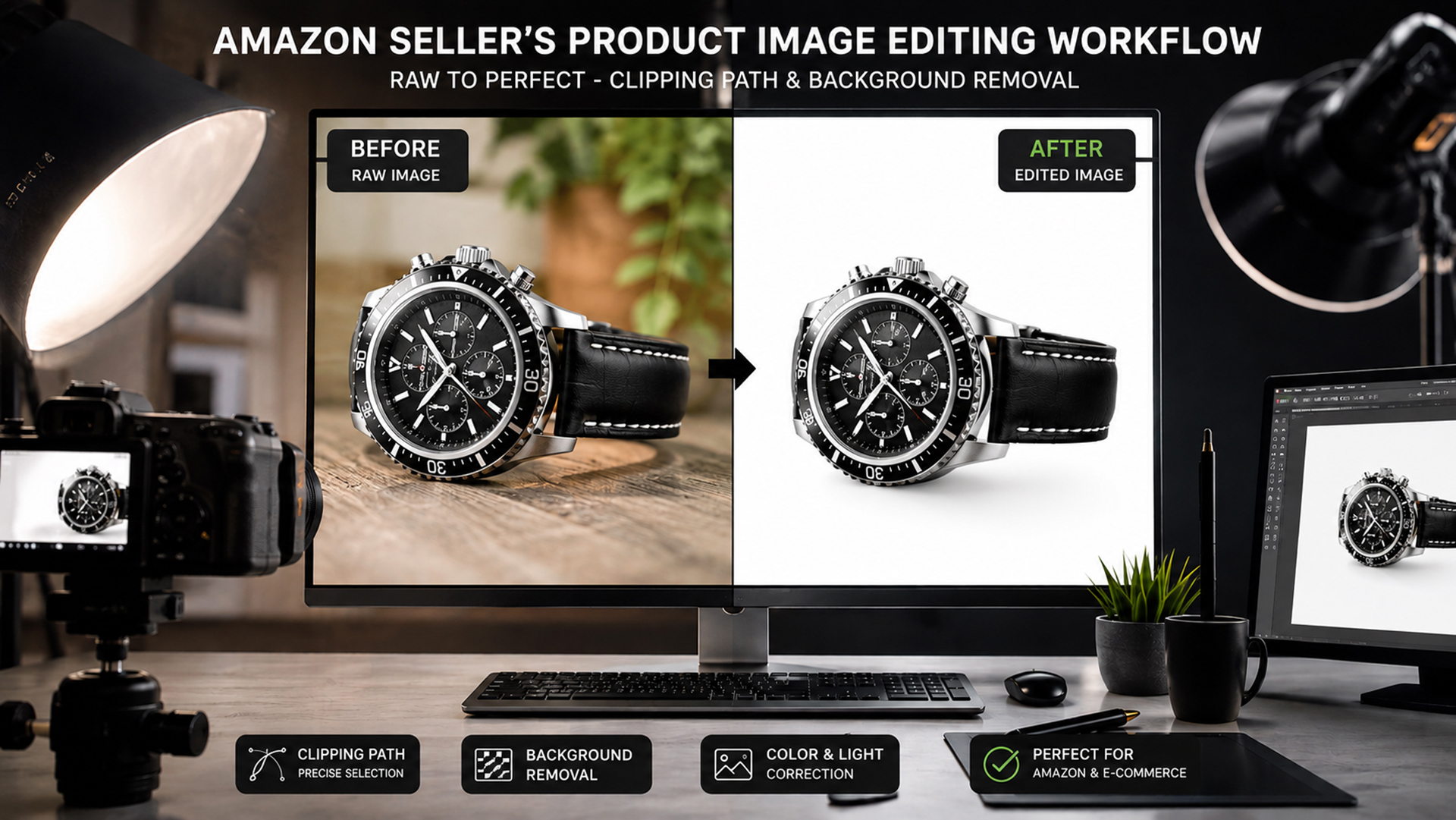
If you sell on Amazon, you already know that your product photo is often the very first thing a shopper notices — before your title, your price, or even your reviews. In a marketplace where millions of listings compete for the same buyer’s attention, a clean, sharp, professional-looking product image can be the difference between a click and a scroll-past.
This is exactly where photo clipping path services come in. A clipping path lets sellers remove distracting backgrounds, sharpen product edges, and present items exactly the way Amazon — and shoppers — expect to see them. In this guide, we’ll break down what a clipping path actually is, why it matters so much for Amazon sellers, and how to choose the right service to keep your listings looking polished and conversion-ready.
What Is a Photo Clipping Path?
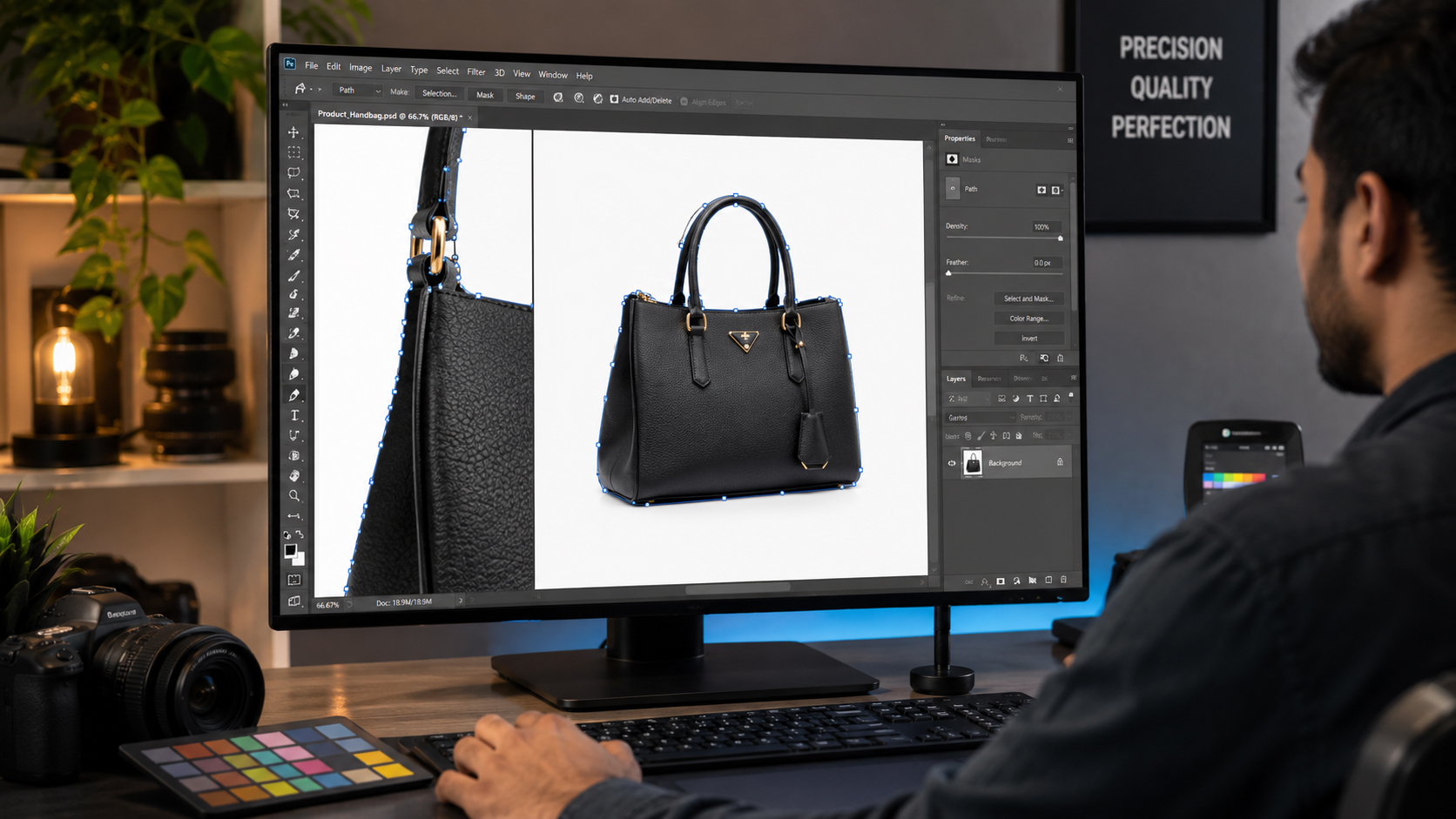
A clipping path is a precise vector outline drawn around a product in an image, typically using the Pen Tool in Adobe Photoshop. This outline separates the product from everything else in the photo — the background, props, or any unwanted elements — so it can be cleanly extracted, placed on a new background, or given a pure white backdrop.
Unlike a simple crop or an automated “cutout” filter, a clipping path is created point by point along the exact edges of the product. This means every curve, corner, and contour is followed with precision, which is especially important for products with intricate shapes like jewelry, eyewear, or furniture with thin legs.
Once the path is created, editors can:
- Remove or replace the background entirely
- Isolate the product on a clean white background (Amazon’s preferred style)
- Adjust shadows, reflections, and lighting consistency
- Prepare the image for multiple use cases — listings, ads, catalogs, and social media
For a deeper look at how professional editors handle this process, a reliable Photo Clipping Path service can manage everything from simple cutouts to complex multi-path product images.
Why Amazon Product Images Matter
Amazon is a visual-first marketplace. Shoppers can’t touch, try on, or physically inspect a product, so the image does all the persuading. A blurry, poorly cropped, or background-cluttered photo signals a lack of professionalism — and shoppers notice.
Here’s what strong product photography does for a listing:
- Builds instant credibility. Clean, well-lit images make a brand look established and trustworthy, even for new sellers.
- Improves the shopping experience. A pure white background lets buyers focus entirely on the product’s shape, color, and detail.
- Supports Amazon’s technical requirements. Amazon’s main listing image must show the product on a pure white background, without extra text, logos, or props — something Amazon Seller Central outlines in its product image guidelines.
- Increases conversion potential. According to Amazon Ads, high-quality, clear product images directly influence whether a shopper clicks through and ultimately buys.
In short, your product photo isn’t just decoration — it’s a functional part of your sales funnel, and it needs to meet a professional standard to compete.
7 Reasons Amazon Sellers Need Photo Clipping Path Services
1. Clean and Professional Product Backgrounds
Amazon requires a pure white background (RGB 255, 255, 255) for main listing images. A clipping path removes any studio clutter, shadows on the floor, or uneven backdrops, leaving a crisp, uniform white space around the product.
2. Precise Product Edges
Products with fine details — jewelry chains, lace on clothing, or the curved strap of a handbag — need pixel-accurate edges. A manually drawn clipping path captures these details far more reliably than automated tools, avoiding jagged or blurry outlines.
3. Consistent Product Image Presentation
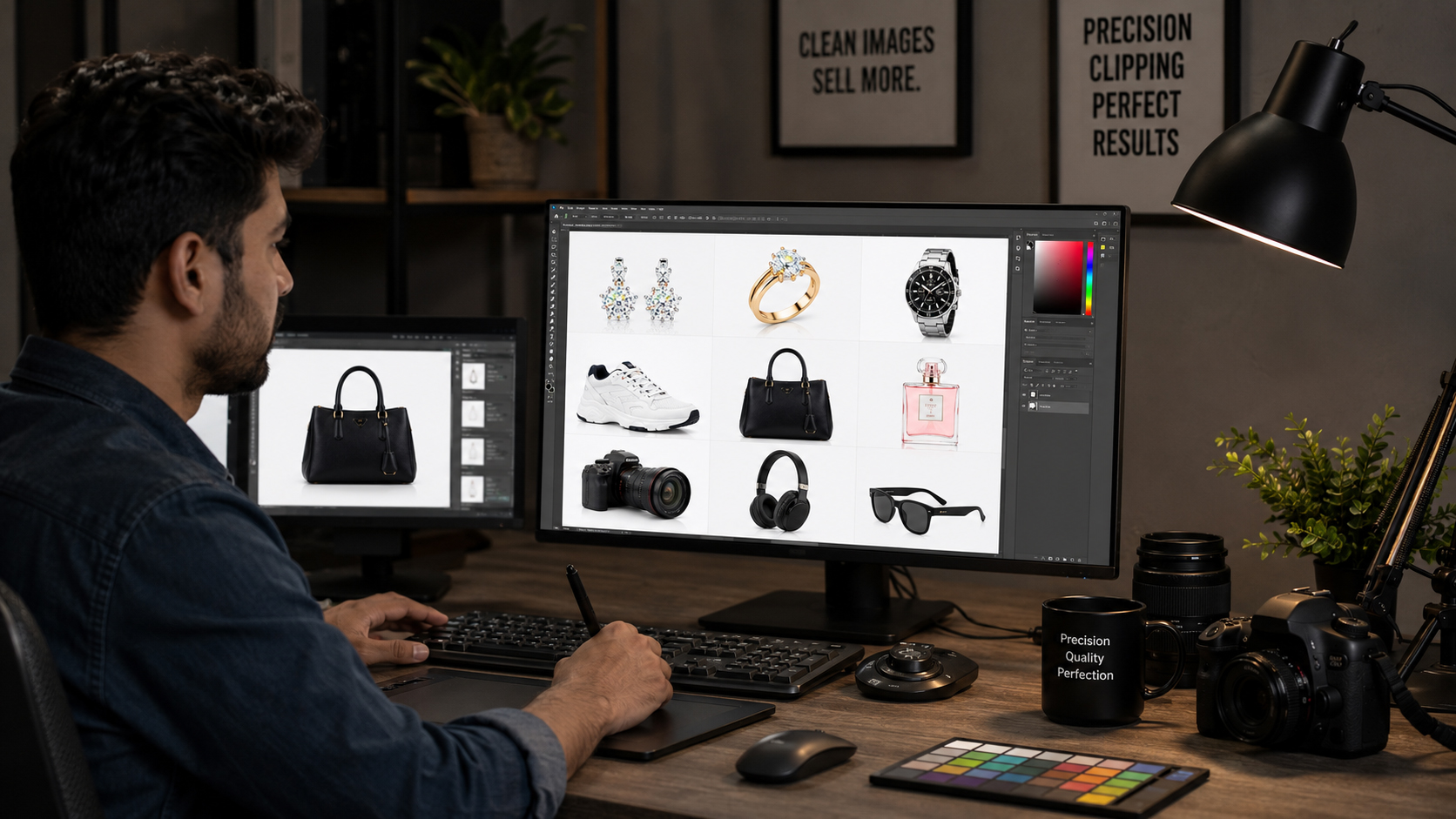
When every image in your catalog shares the same lighting, framing, and background tone, your storefront looks organized and trustworthy. Consistency across dozens or hundreds of SKUs is only realistically achievable with a standardized editing process.
4. Better eCommerce Image Quality
Clipping paths preserve image sharpness while removing unwanted elements, which means your photos stay crisp even when zoomed in — a feature Amazon shoppers frequently use to inspect texture, stitching, or material quality.
5. Easier Background Replacement
Once a product is cleanly separated from its original background, it’s simple to place it on white for Amazon’s main image, or on lifestyle or colored backgrounds for A+ Content, advertising creatives, and social media posts — all without reshooting.
6. Professional-Looking Product Catalogs
Buyers browsing multiple listings from the same brand notice when the whole catalog looks cohesive. Clean, uniform images across your entire product line reinforce brand quality and encourage repeat purchases.
7. Stronger Brand Presentation
Sharp, professionally edited images help smaller or newer sellers compete visually with established brands. For businesses looking to elevate their entire visual identity, working with a team offering Professional Photo Editing Services ensures every image — from the main listing shot to marketing creatives — meets the same high standard.
Manual Clipping Path vs. Automatic Background Removal
With AI-powered tools now widely available, many sellers wonder whether automatic background removal is “good enough.” The honest answer: it depends on the product.
| Factor | Manual Clipping Path | Automatic Background Removal |
|---|---|---|
| Accuracy on complex edges | Very high — follows exact contours | Often struggles with fine detail |
| Jewelry and fine chains | Handles thin, intricate lines precisely | Frequently blurs or cuts off delicate parts |
| Hair, fur, or fabric texture | Can preserve natural texture with care | Tends to create harsh, unnatural edges |
| Transparent or reflective objects | Editors can manually account for glass, glossy surfaces | Often misreads transparency and reflections |
| Consistency across large batches | Reliable when following brand standards | Can vary in quality from image to image |
| Speed | Slower, more labor-intensive | Fast, near-instant |
| Best for | Jewelry, apparel, shoes, electronics with complex shapes | Simple, solid-shaped products with clear edges |
Automatic tools are useful for quick drafts or very simple products, but for anything with intricate detail — which describes most Amazon categories — a manual clipping path created by an experienced editor using Adobe Photoshop still delivers noticeably better, more professional results. Many sellers use automated tools for a fast first pass and then rely on a professional photo clipping path service to refine the final listing images.
How Clipping Path Helps Different Amazon Products
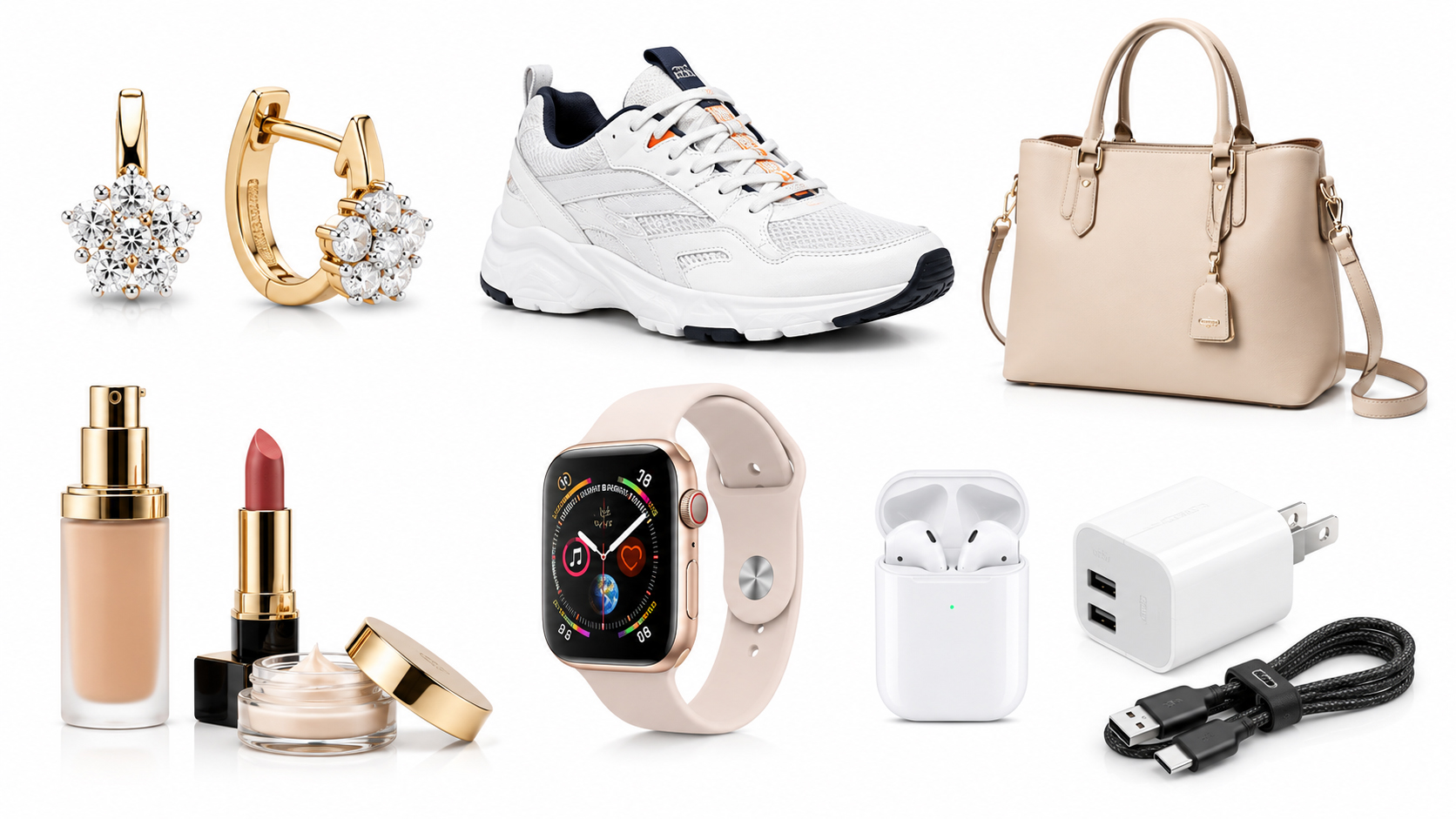
Different product categories come with their own editing challenges. Here’s how clipping paths address the most common ones:
- Jewelry — Rings, necklaces, and earrings often have thin chains, small gemstones, and reflective metal surfaces. Precise paths capture every curve without losing detail or creating jagged edges.
- Clothing — Apparel often needs a technique called ghost mannequin (or “invisible mannequin”), which removes the mannequin or hanger to show the garment as if it’s floating naturally. A dedicated Ghost Mannequin Service is typically used alongside clipping paths for this effect.
- Shoes — Laces, soles, and textured materials need clean, sharp outlines so the shoe looks crisp against a white background from every angle.
- Handbags — Straps, zippers, and stitching require careful path work to avoid a “cut-out” or flattened look.
- Electronics — Cables, ports, and glossy surfaces need careful masking so reflections and shadows don’t distract from the product itself.
- Cosmetics — Bottles, tubes, and jars often have transparent or reflective packaging, which requires extra care to preserve realistic highlights while still isolating the product.
- Furniture — Thin legs, curved arms, and intricate frames are some of the hardest shapes to isolate accurately, making manual paths especially valuable here.
Common Amazon Product Image Editing Mistakes
Even well-intentioned sellers run into avoidable image issues. Watch out for:
- Rough or jagged edges — Usually caused by rushed automatic cutouts that miss fine detail.
- Visible halos — A faint outline or glow left around the product from incomplete background removal.
- Unwanted or unnatural shadows — Harsh, mismatched shadows that make the product look pasted onto the background.
- Inconsistent backgrounds — Slightly off-white or gray tones across different images in the same listing.
- Poor cropping — Products that are too small, too large, or off-center within the frame.
- Low-quality editing — Over-sharpened or blurry edges that look artificial when shoppers zoom in.
Avoiding these mistakes is one of the biggest reasons sellers turn to professional editors rather than relying solely on automated software.
How to Choose the Right Amazon Photo Clipping Path Service
Not all editing providers offer the same level of quality. When evaluating a photo clipping path service, look for:
- Accuracy — Ask to see close-up examples of edge work on complex products like jewelry or apparel.
- Experience with Amazon requirements — The provider should understand Amazon’s specific image guidelines, not just general photo editing.
- Turnaround time — Especially important for sellers managing large or frequently updated catalogs.
- Quality control process — A second review step helps catch errors before delivery.
- Revision policy — Look for services that offer reasonable revisions if the first result needs adjustments.
- Confidentiality — Product photos and designs are often unreleased; make sure the provider protects your files.
- Sample work or portfolio — Reviewing past projects, especially in your product category, gives a realistic sense of quality.
Taking the time to vet a provider upfront saves time and frustration later, especially if you’re editing images in bulk for a large catalog.
Final Thoughts
Your Amazon product images carry the weight of your entire listing — they build trust, showcase quality, and ultimately drive the buying decision. Clean backgrounds, precise edges, and consistent presentation aren’t just nice-to-haves; they’re essential for standing out in a crowded marketplace and meeting Amazon’s own image standards.
While automatic tools have their place for quick, simple edits, most Amazon categories — from jewelry to furniture — benefit from the accuracy and care that only a manual photo clipping path can provide.
If you’re ready to give your product catalog a polished, professional look, it’s worth partnering with an experienced photo editing team that understands Amazon’s requirements inside and out — so every image you publish works as hard as it can to turn browsers into buyers.
Ready to Upgrade Your Amazon Product Images?
Clean backgrounds and precise edges aren’t optional extras — they’re a core part of a successful Amazon listing. Whether you’re managing a handful of SKUs or a catalog of thousands, professional photo clipping path services can help your products look polished, consistent, and ready to convert. Reach out to a trusted editing partner today and give your listings the professional edge they deserve.