Image Masking & Hair Masking
Image masking separates a subject from its background when the edges are soft, fine, or semi-transparent, such as hair, fur, fabric fringes, and glass. We use hand-refined layer masks in Photoshop to keep every strand and fine detail natural.
Image masking is a Photoshop technique that uses a layer mask, often built from channels, to hide or reveal parts of an image with soft transitions. Unlike a clipping path, a mask keeps fine edges and partial transparency, so it suits portraits, fur, feathers, lace, and glass.
Fine detail stays intact, with no harsh outlines or leftover background color.
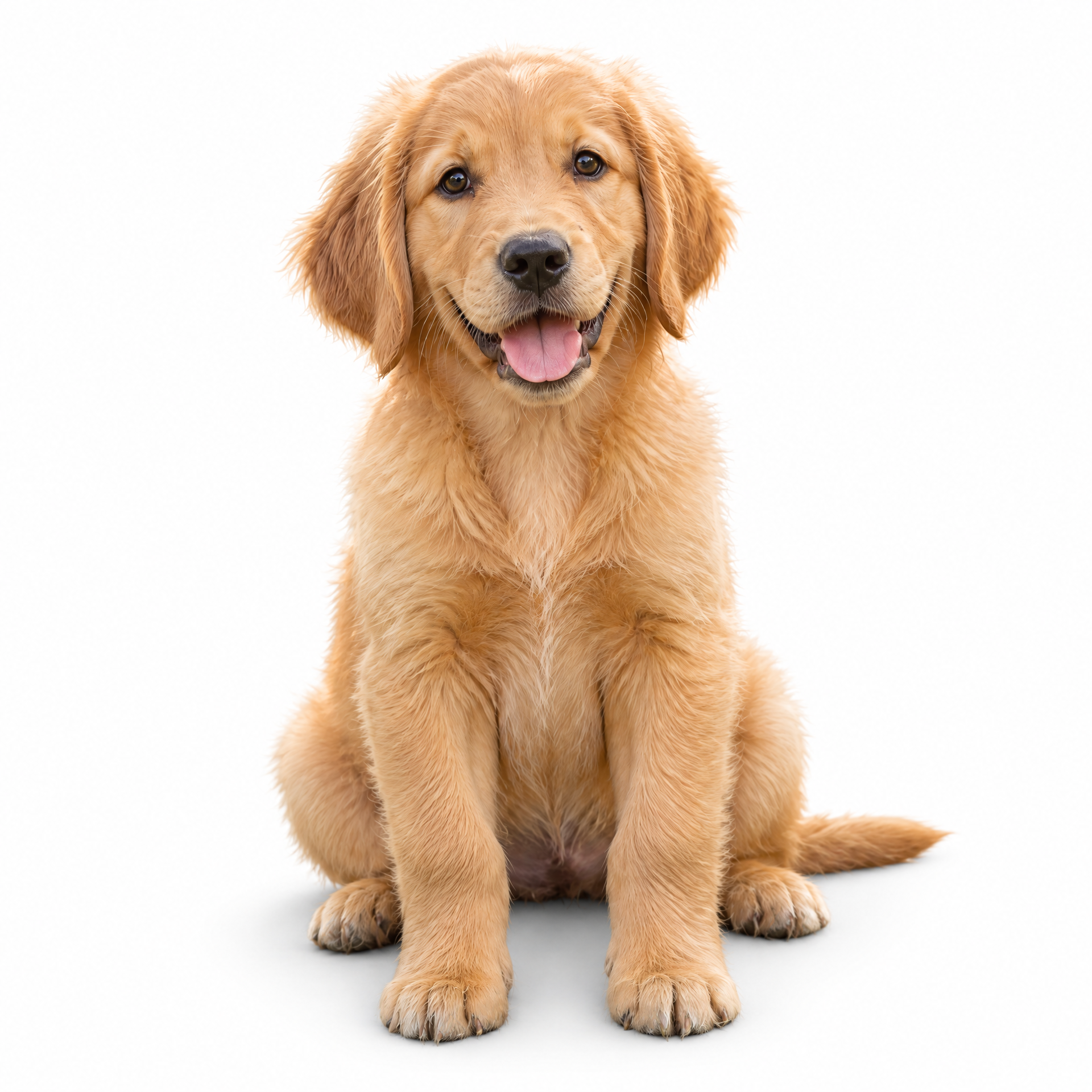
Individual strands stay natural, with no harsh outline or leftover background color.
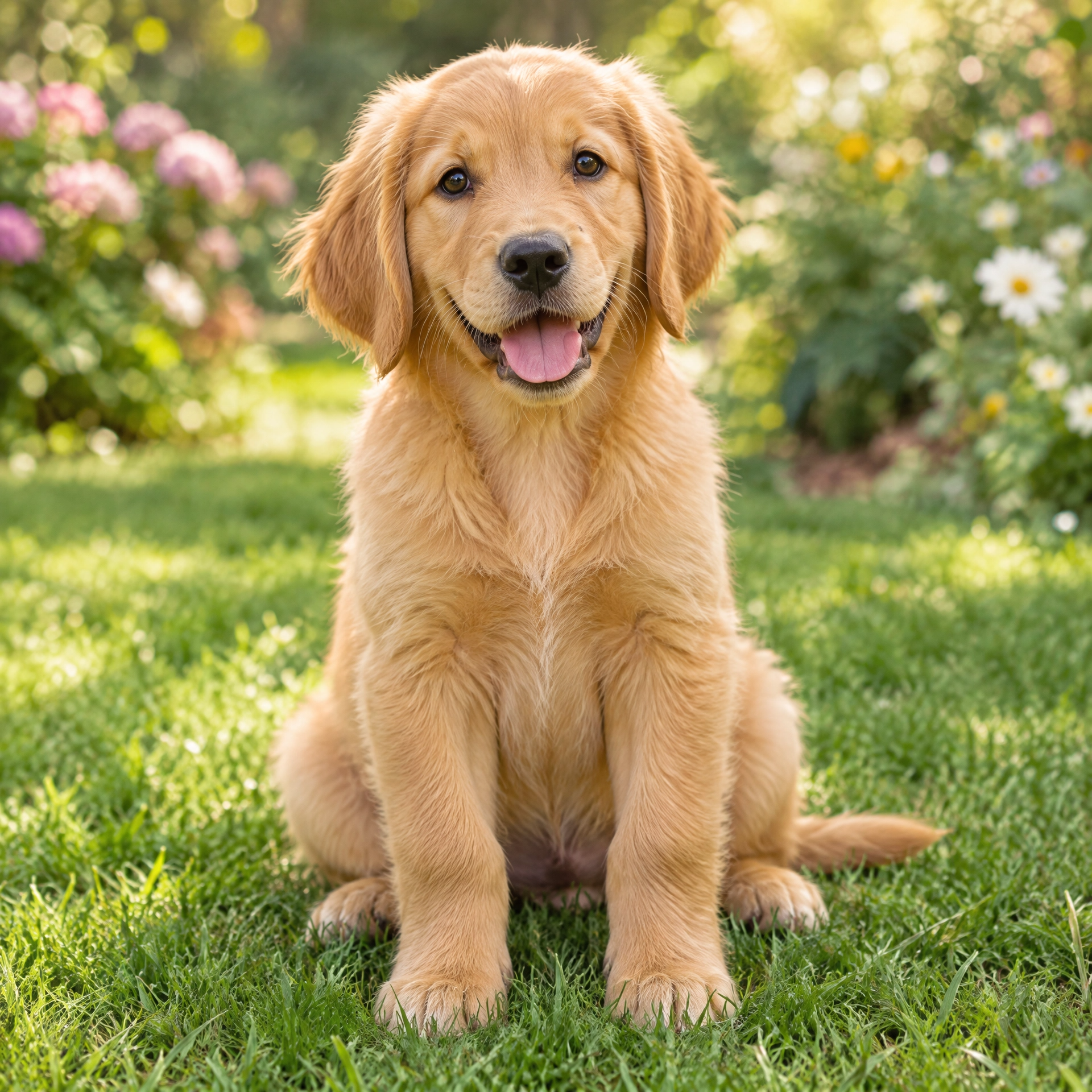
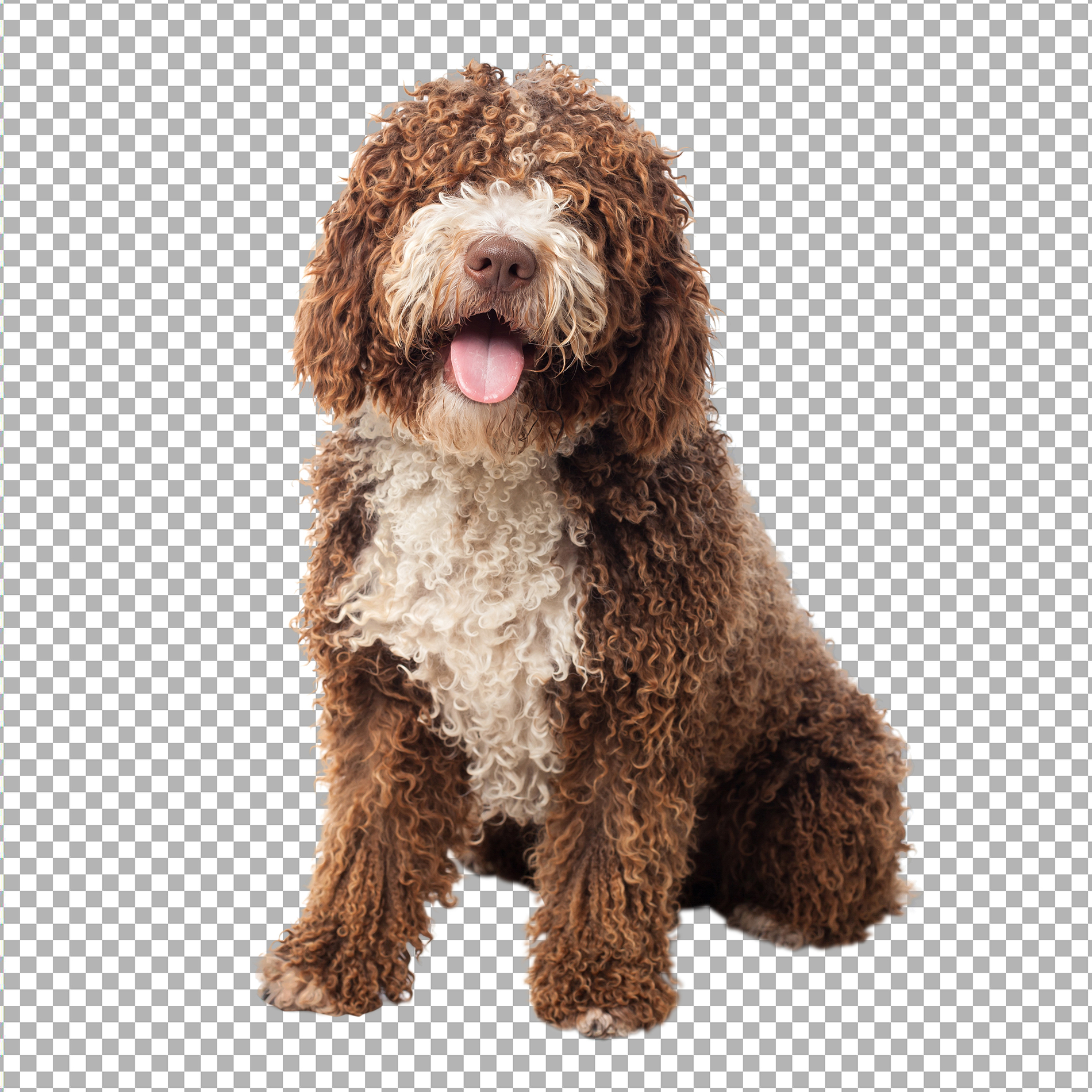
Soft, fine edges on pets, fur coats, feathers, and textured fabrics.
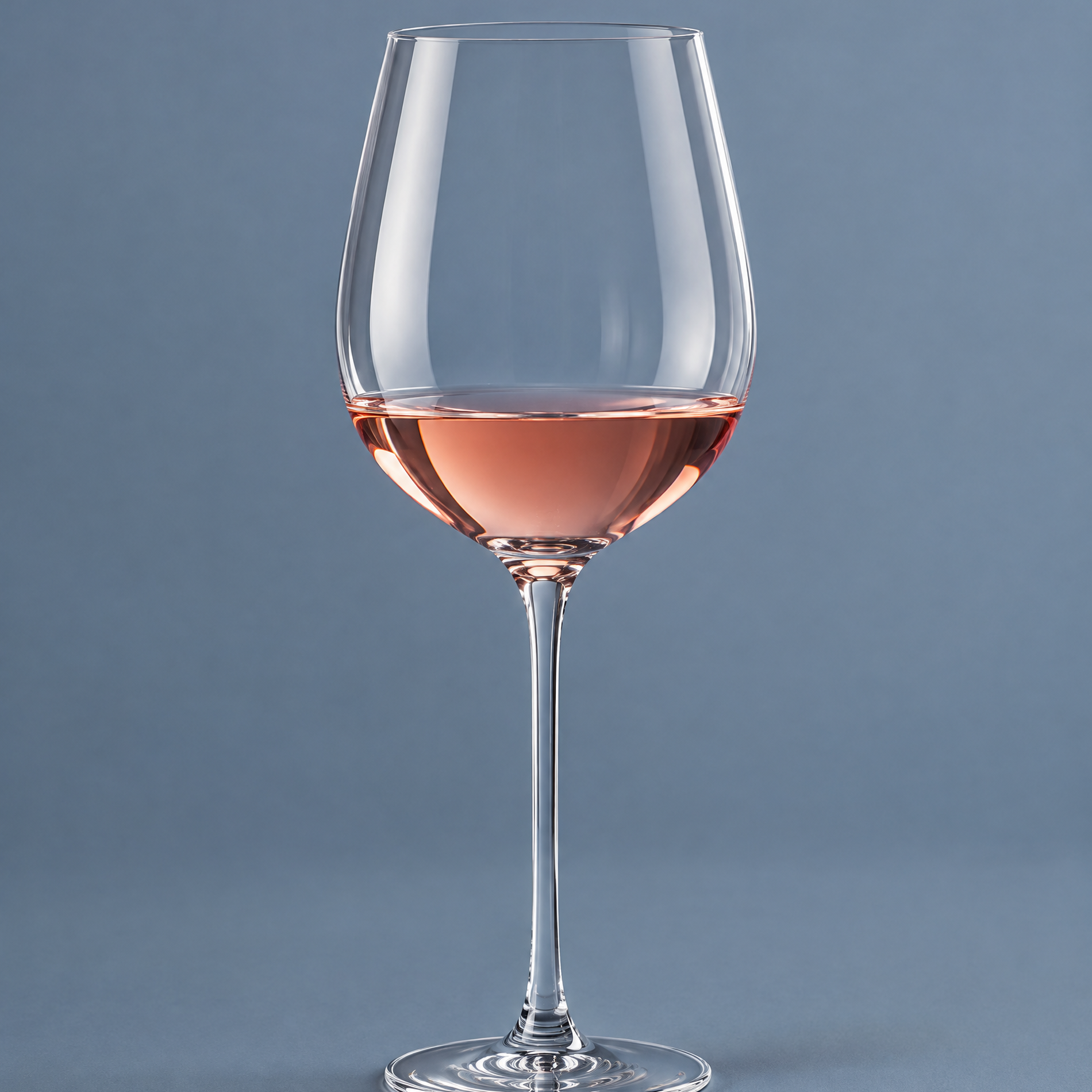
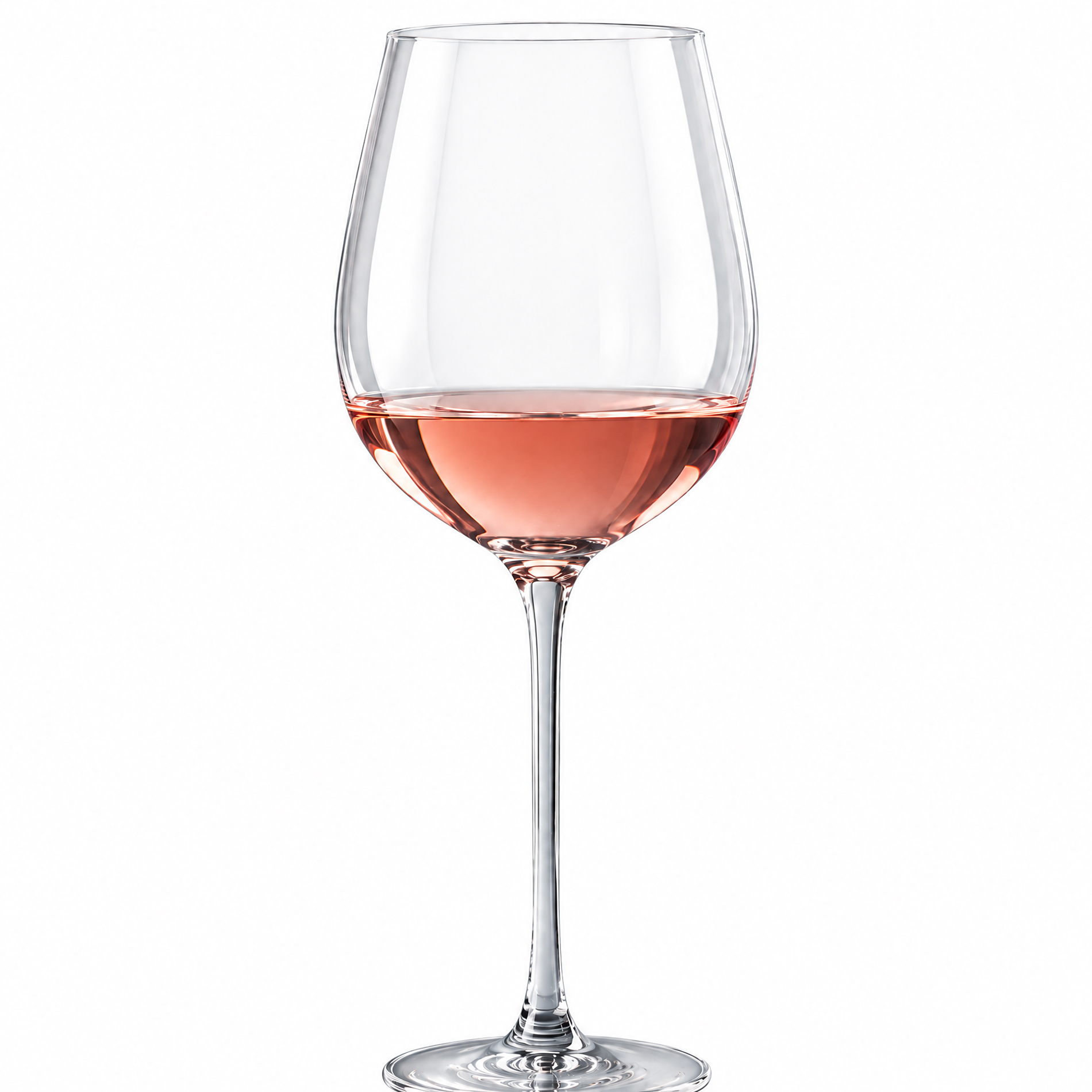
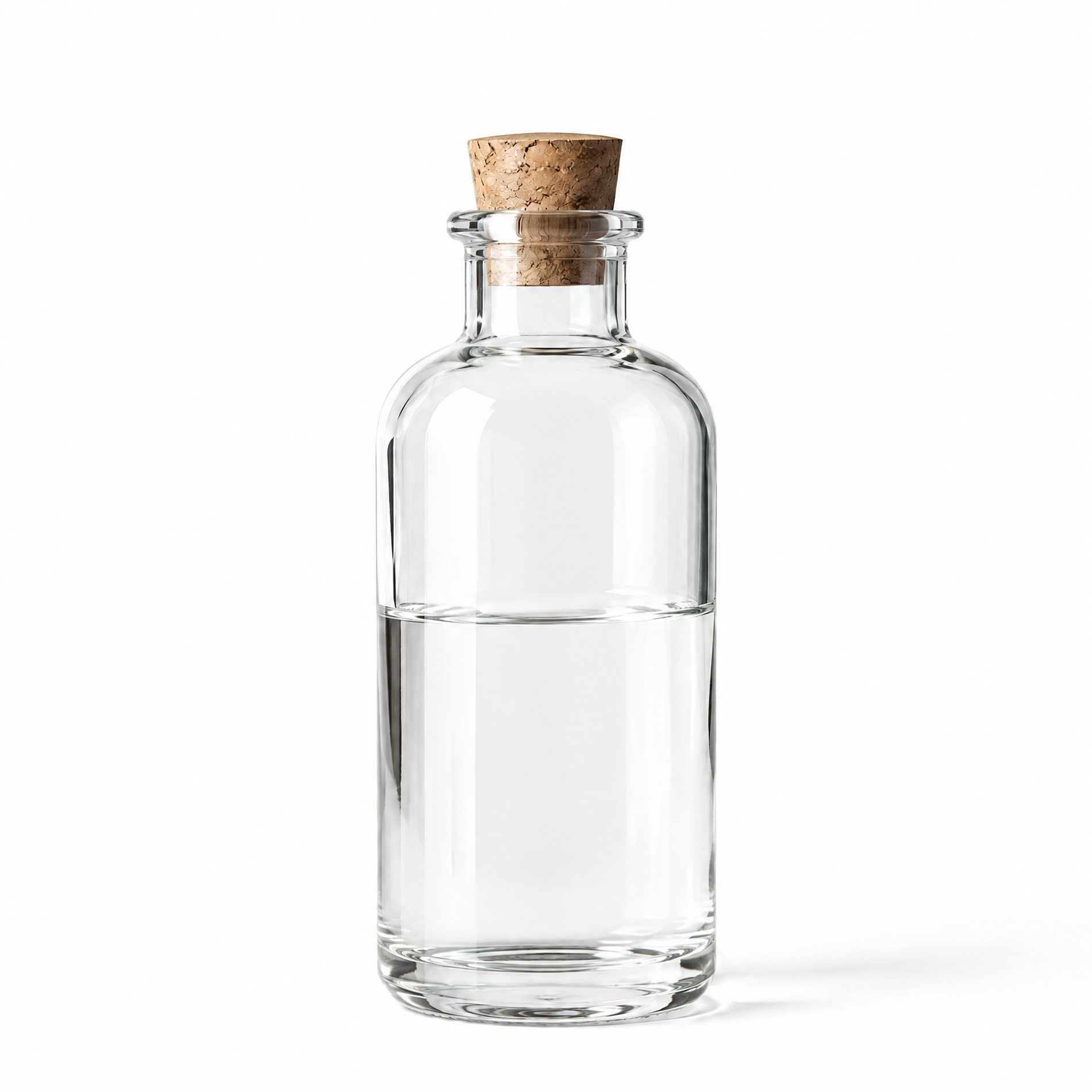
Bottles, glasses, and see-through products keep their transparency.
Color spill and halos are removed so the subject sits naturally on the new background.
Deliver on white, transparent, colored, or a background you provide.
Consistent masking across a full set of images.
We work with online stores, brands, and photographers.
Clean cutouts with natural hair edges.
Model photos on any background.
Soft edges without a rough outline.
Difficult edges handled by hand.
See real before and after results from our image masking service. Each photo is edited with precise layer and alpha channel masking for hair, fur, fabric edges, and other fine, soft-edged details that a clipping path can’t handle. Hover any photo to compare the original with our finished, marketplace-ready version.
 Before
After
Before
After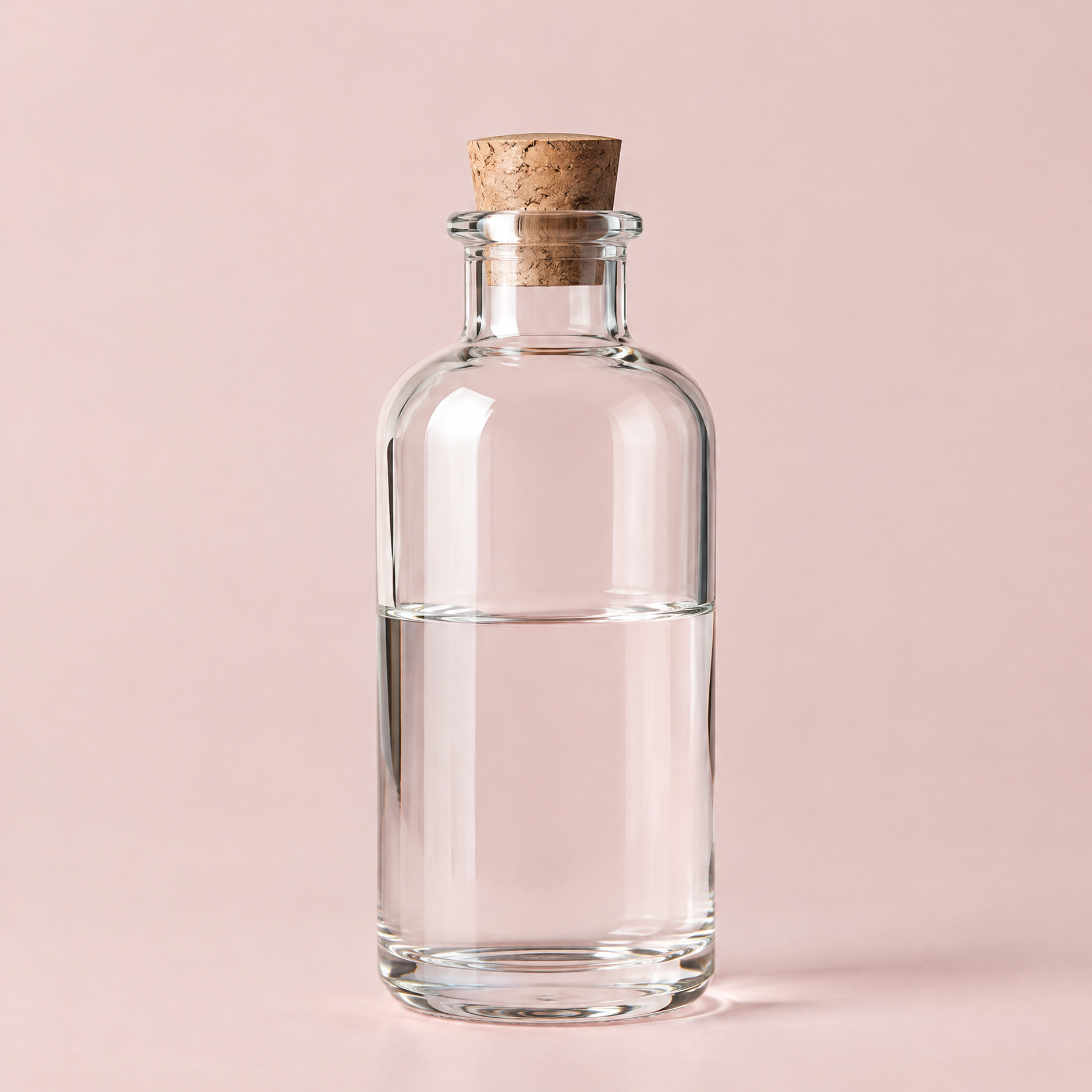
 Before
After
Before
After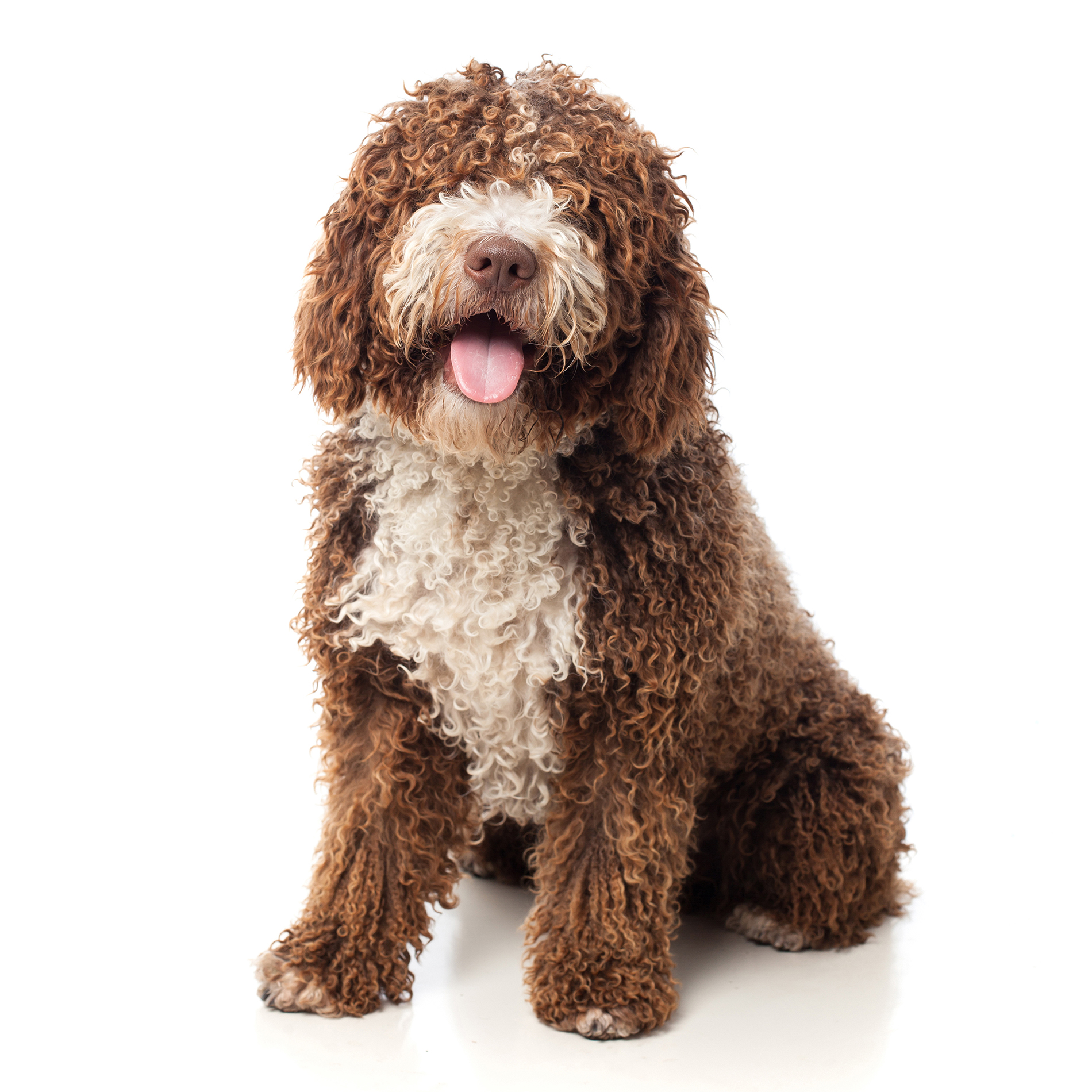
 Before
After
Before
After
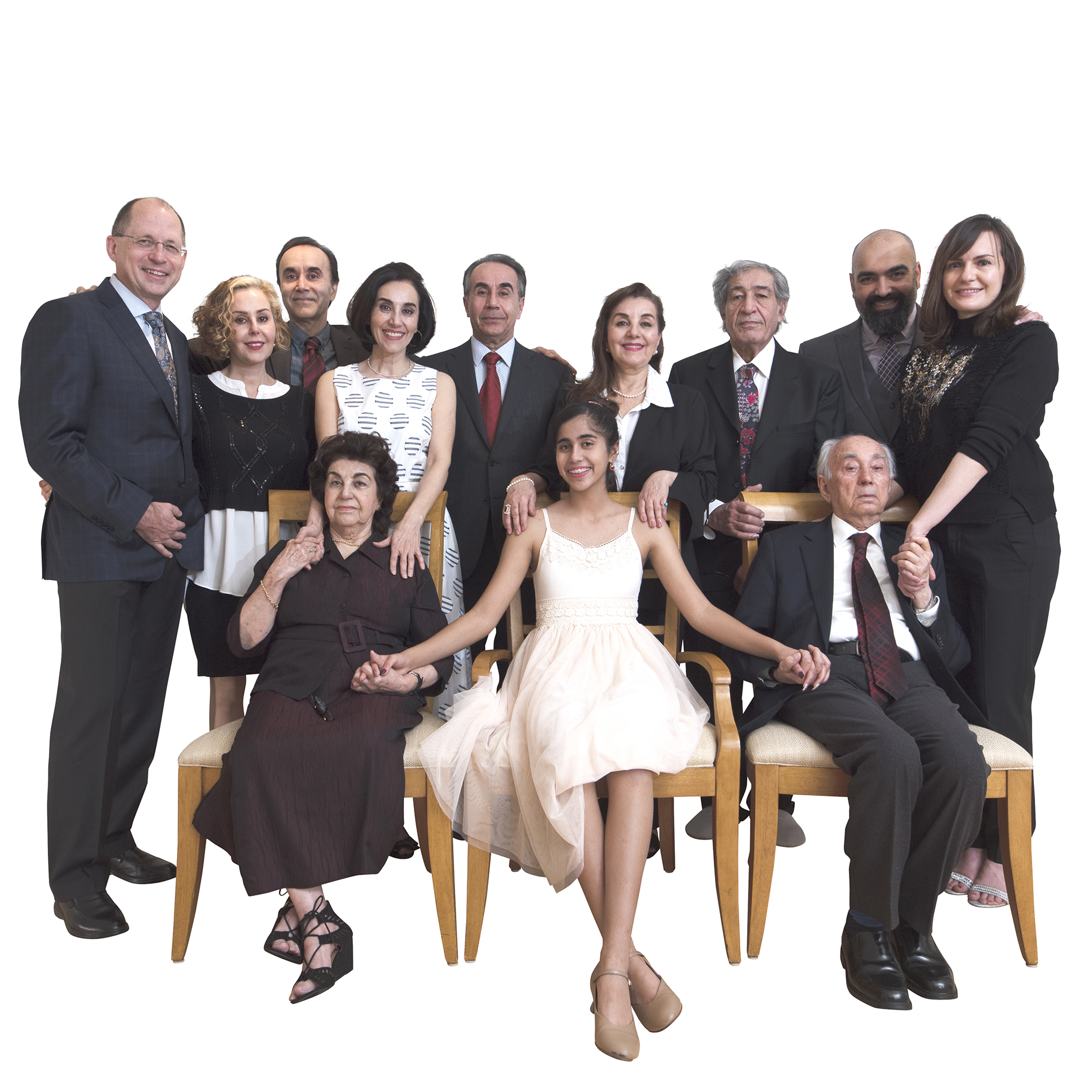 Before
After
Before
After
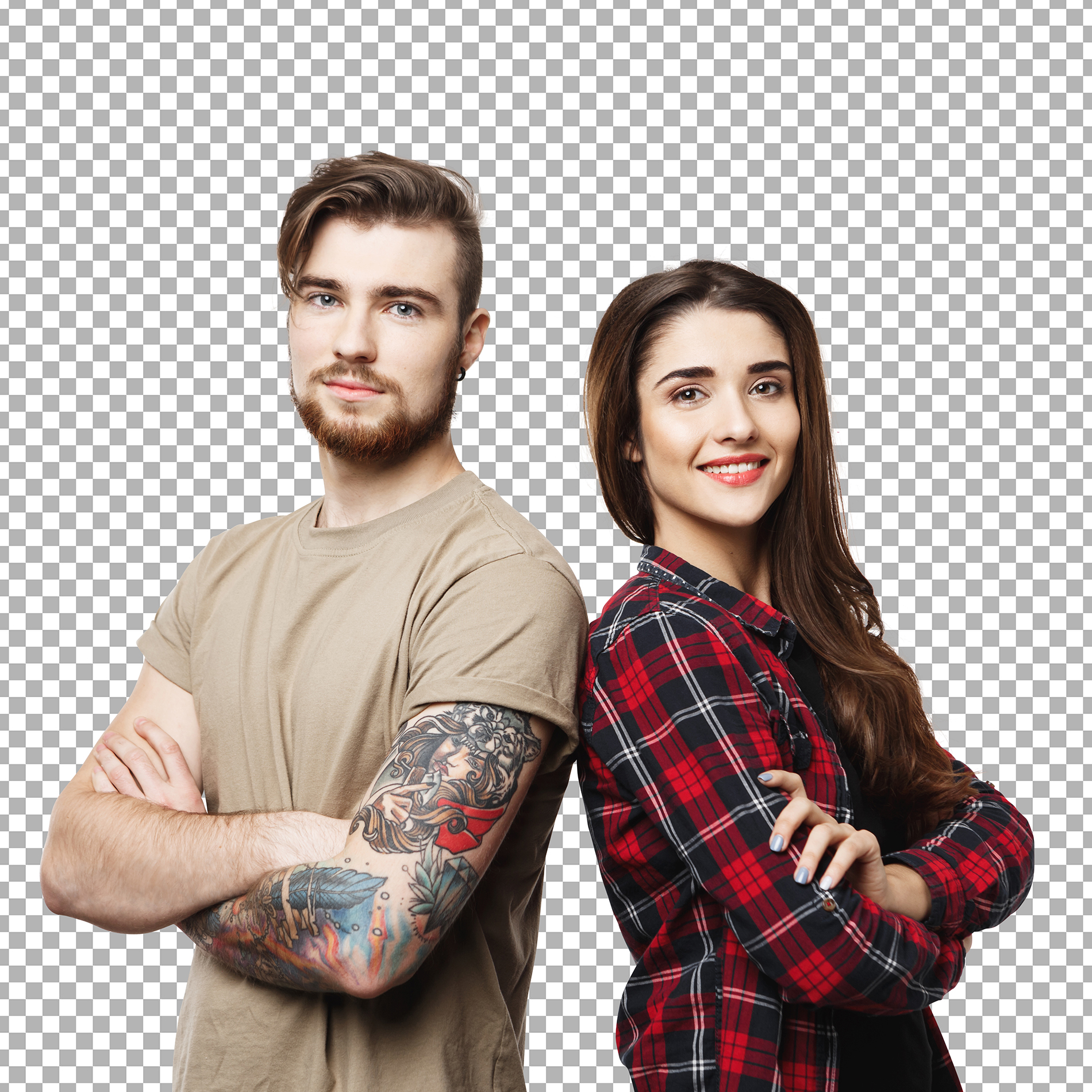 Before
After
Before
After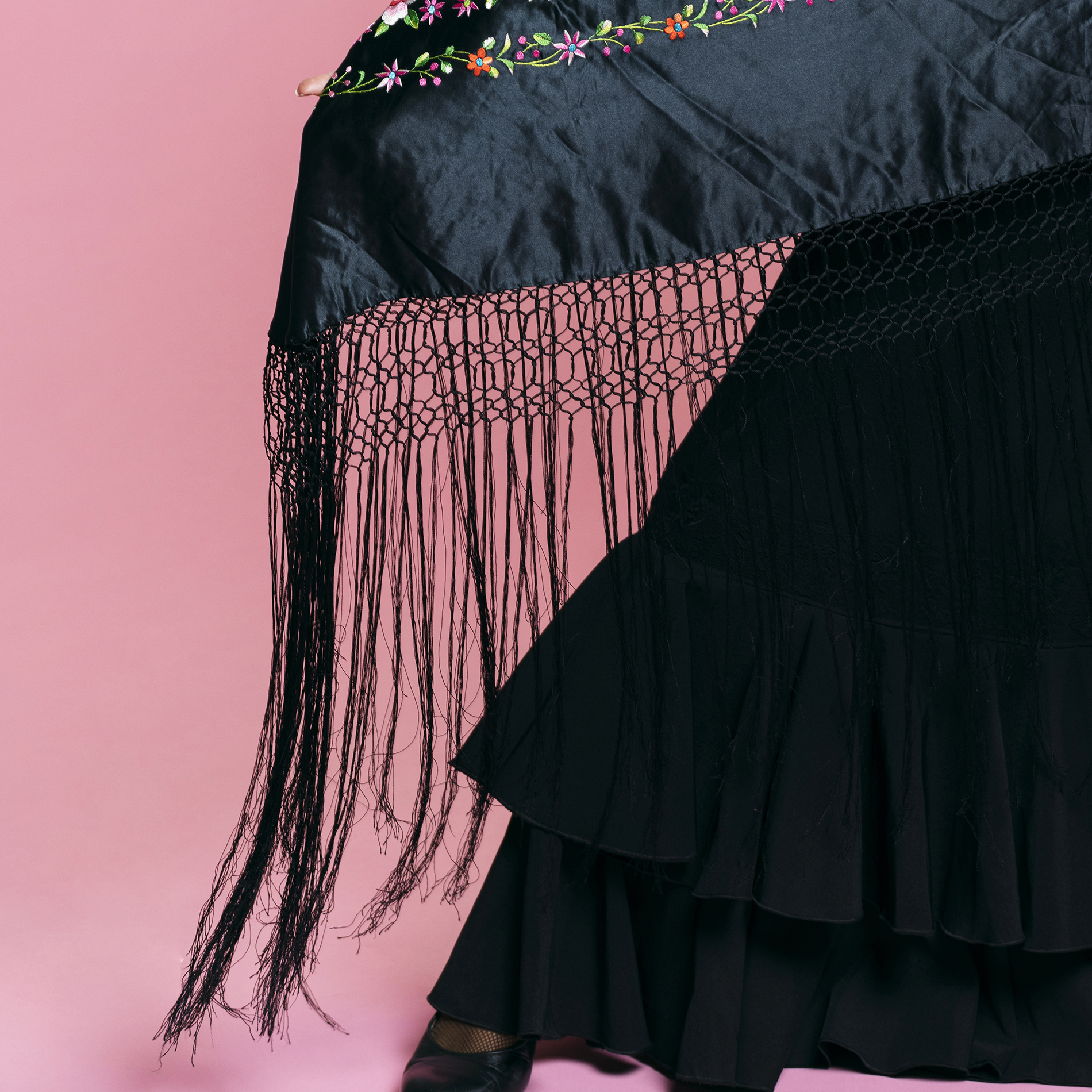
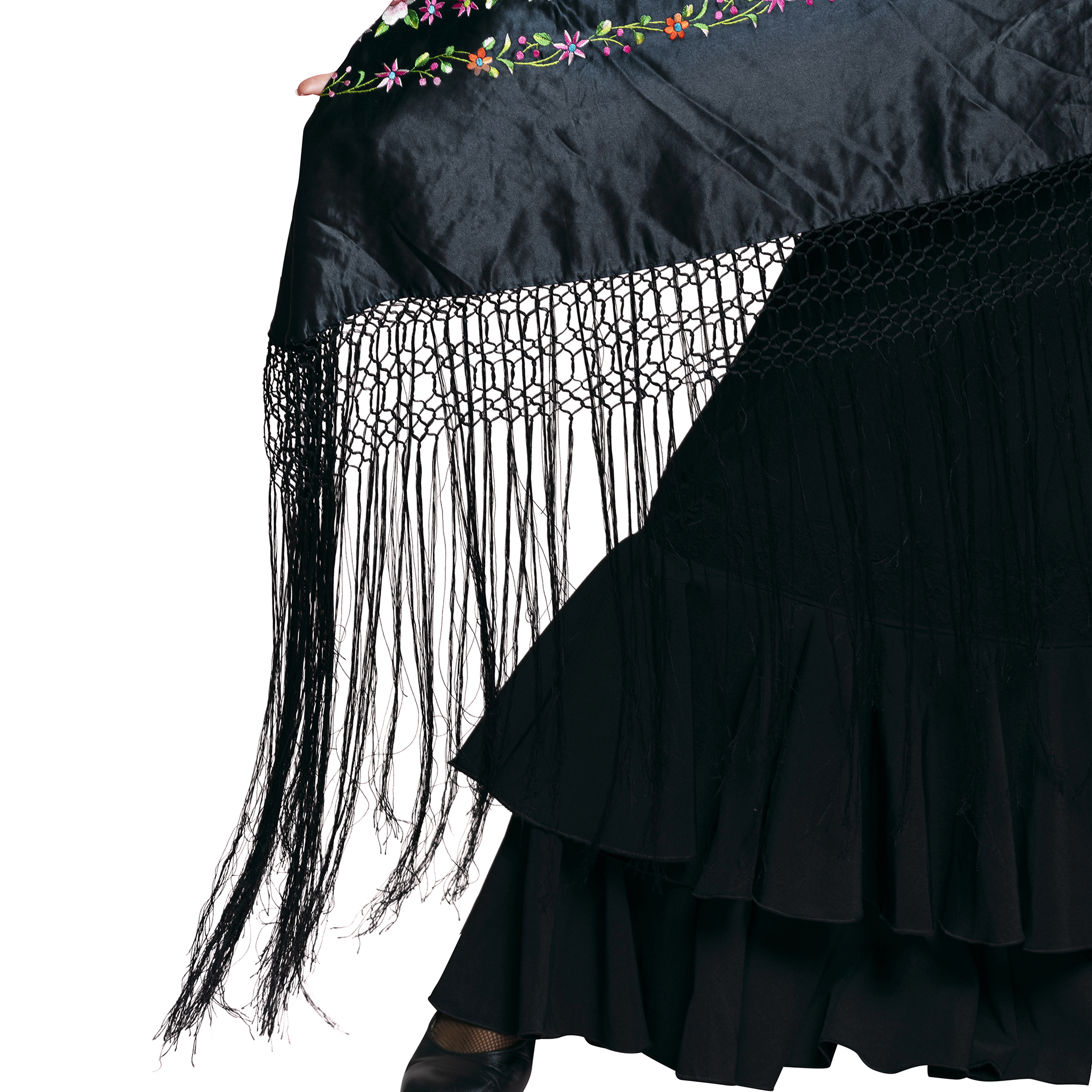 Before
After
Before
AfterSend a few samples and check the quality before you place an order. We will confirm price and delivery time first.
Ordering is simple. Send your images, confirm the price, and receive your edited files.
Upload your files or share a drive link, and tell us the service you need.
We reply with your price and delivery time before any work starts.
Our editors work in Photoshop and follow your instructions and references.
Get your edited images in your preferred format and tell us if anything needs adjusting.
Image masking is used to cut out subjects with soft, detailed, or semi-transparent edges, such as hair, fur, feathers, lace, and glass, so they can be placed on a new background without a harsh outline.
A clipping path creates a hard-edged vector outline and suits solid objects. Image masking uses a pixel-based mask with soft transitions, so it keeps fine detail and partial transparency.
Yes. Hair and fur are the most common reasons to use masking. We refine the mask by hand so strands stay natural and no old background color is left around them.
Yes. Transparent and semi-transparent objects need careful masking so the see-through areas stay natural. Send a sample and tell us the new background so we can match the look.
If the edge is sharp and solid, a clipping path is usually enough. If the edge is soft, hairy, or transparent, masking gives a better result. Not sure? Send a sample and we will recommend the right method.
Combine services for a complete product image workflow.
Message us with your images and instructions. We will confirm the price and delivery time before we start.
