Clipping Path Service
A clipping path service uses a hand-drawn vector path in Photoshop to cut a product out of its background with sharp, smooth edges. We deliver your images on white, transparent, or colored backgrounds, ready for your store, catalog, or marketplace listing.
A clipping path is a closed vector outline drawn around the subject of a photo with the Photoshop Pen Tool. Everything inside the path is kept and everything outside is removed or replaced. It works best for objects with defined, hard edges such as bags, shoes, electronics, furniture, and packaging.
Every image is edited by hand so the edges follow your product exactly.
Every path is drawn manually with the Pen Tool for smooth curves and accurate edges.
No jagged edges or halos, so cutouts look natural on any background.
Choose pure white, transparent, or a color that fits your brand.
Ask us to keep the path inside the PSD so your team can reuse it later.
Receive JPG, PNG, PSD, or TIFF files depending on how you plan to use them.
Send a few images or a full catalog and get consistent results across the batch.
We work with online stores, brands, and photographers.
Clean, consistent product images for every listing.
Hand off cutouts and spend more time shooting.
Images ready for Amazon, eBay, Etsy, and more.
Precise cutouts for layouts and brochures.
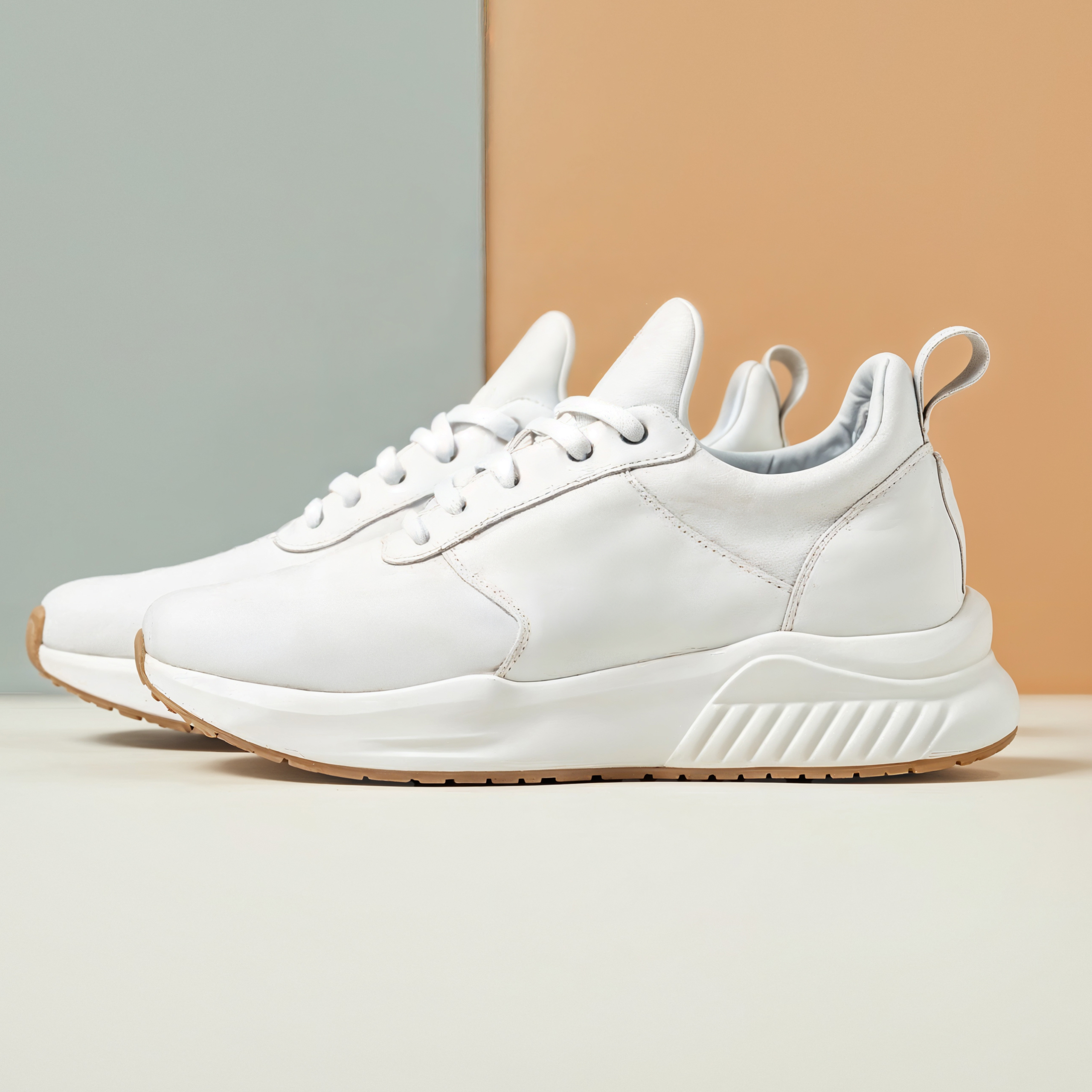
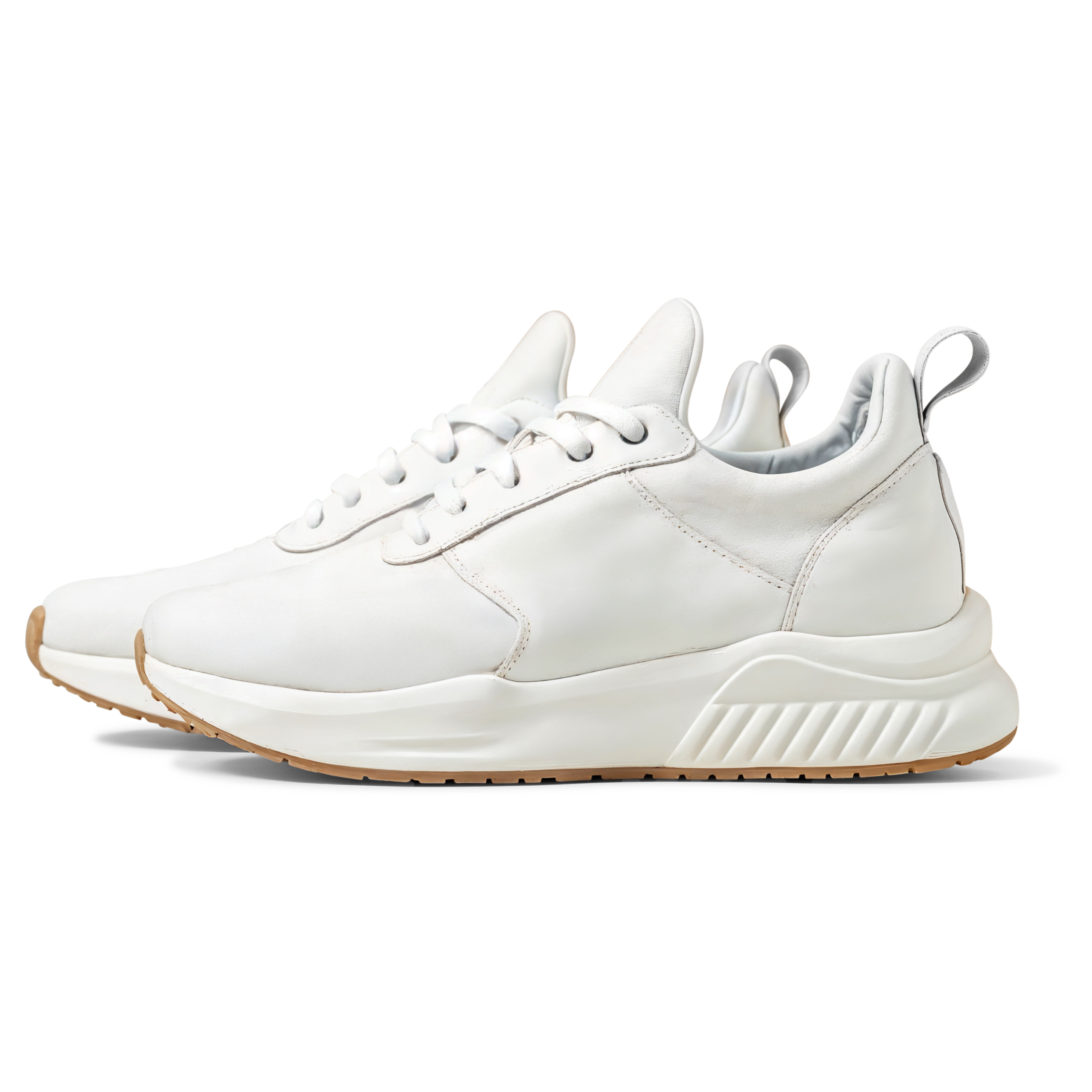
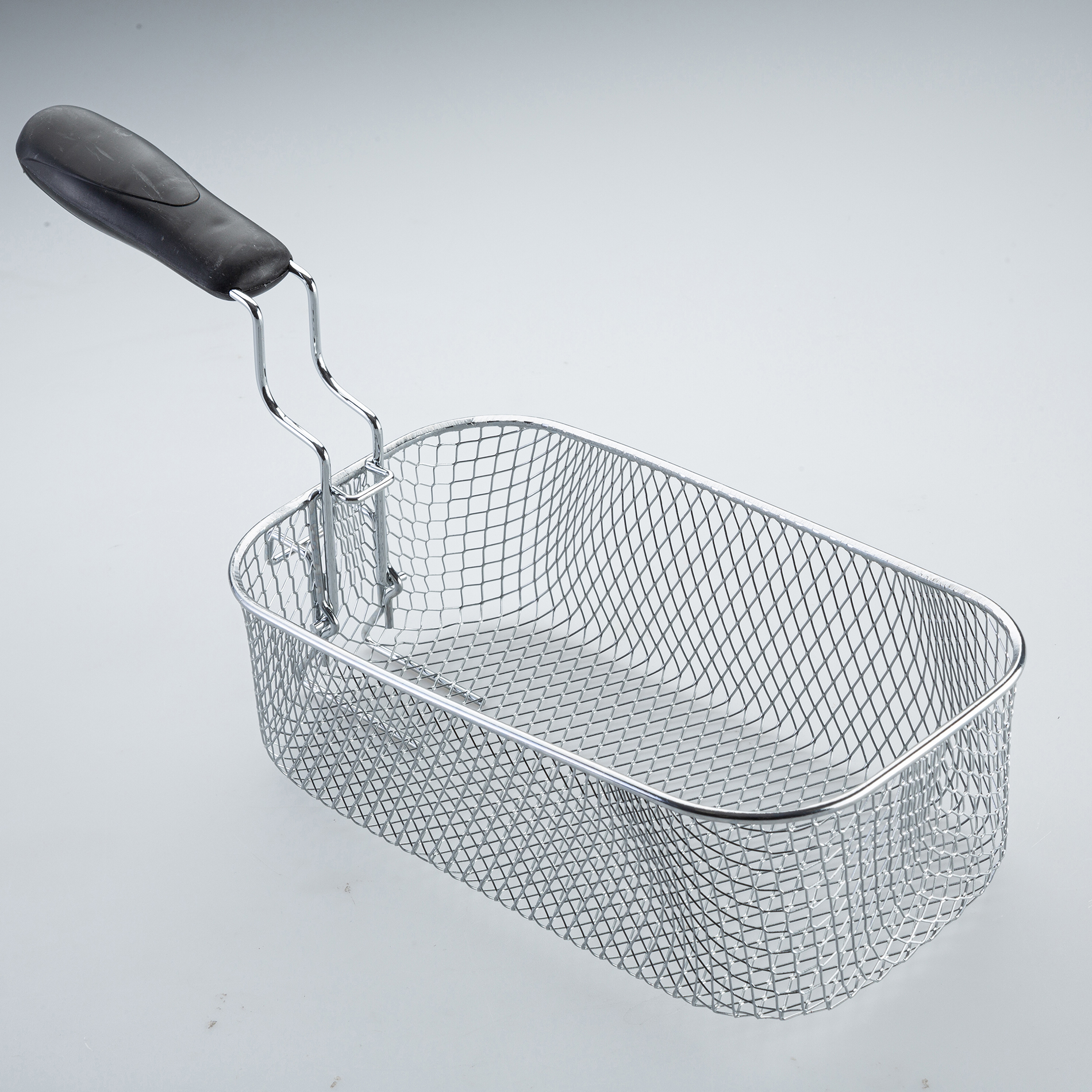
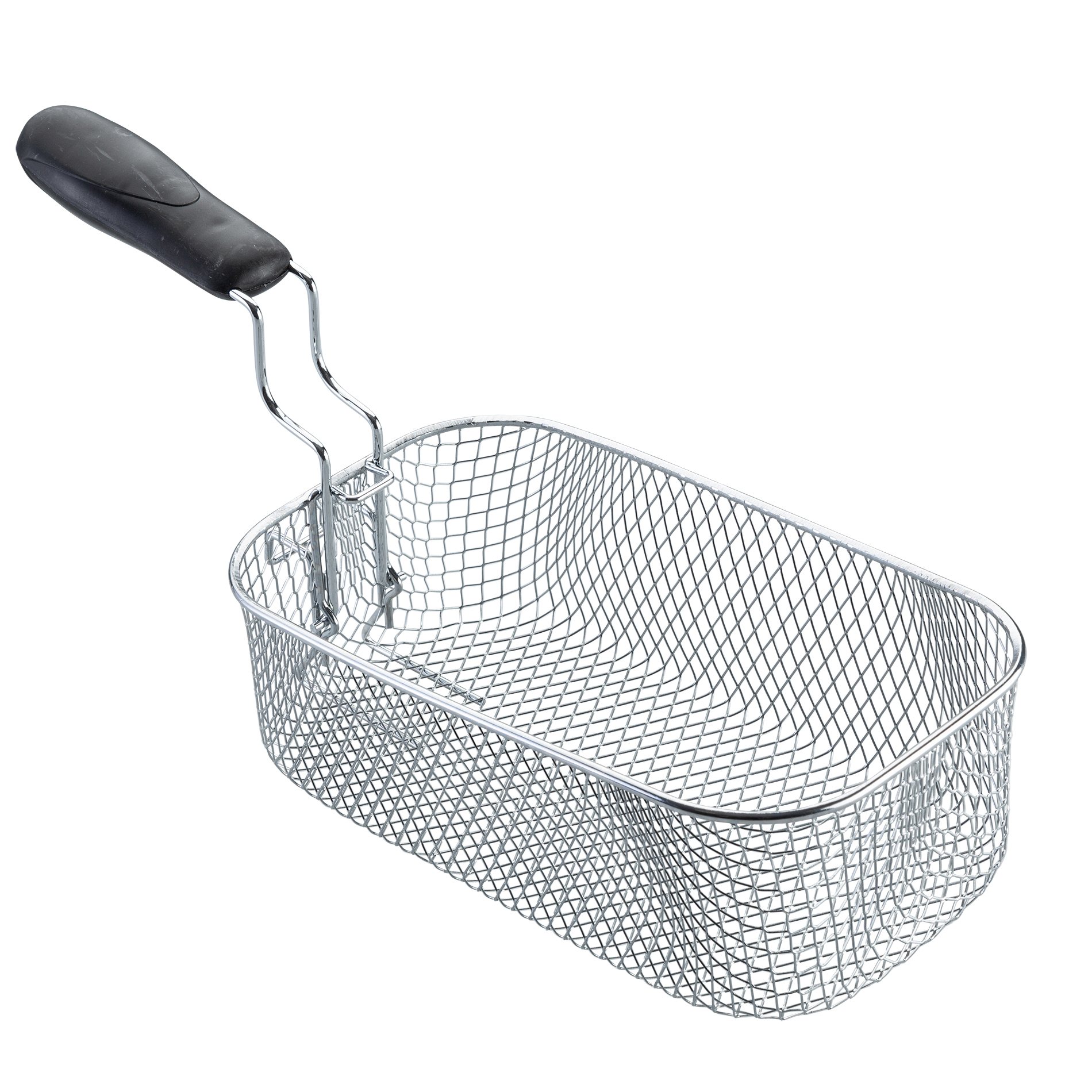
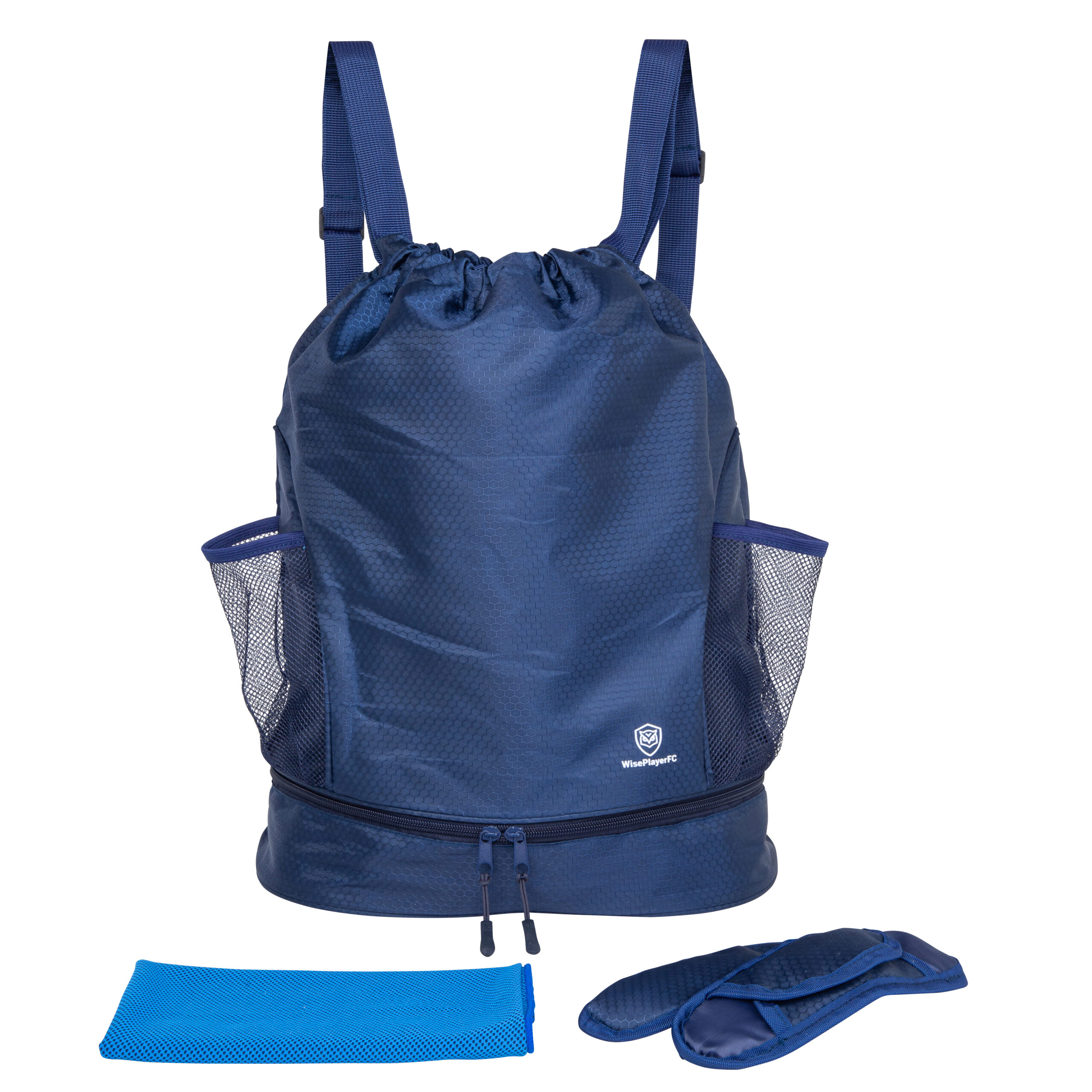
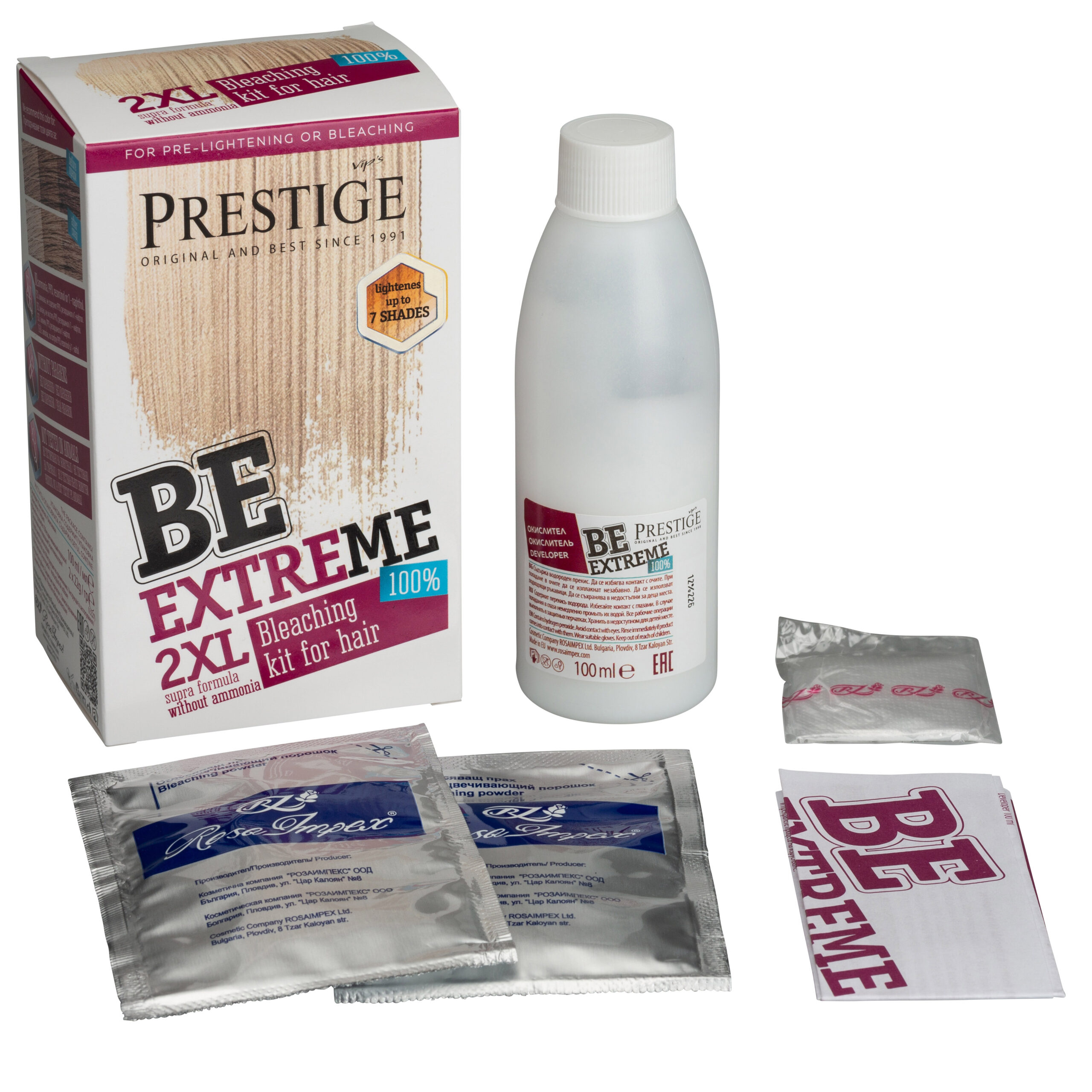
Browse real before and after results from our professional clipping path service. Each sample shows precise pen-tool cutouts, clean edges, and background removal used for e-commerce product photography, apparel, footwear, and jewelry images. Hover any photo to compare the original against our edited, marketplace-ready version.
 Before
After
Before
After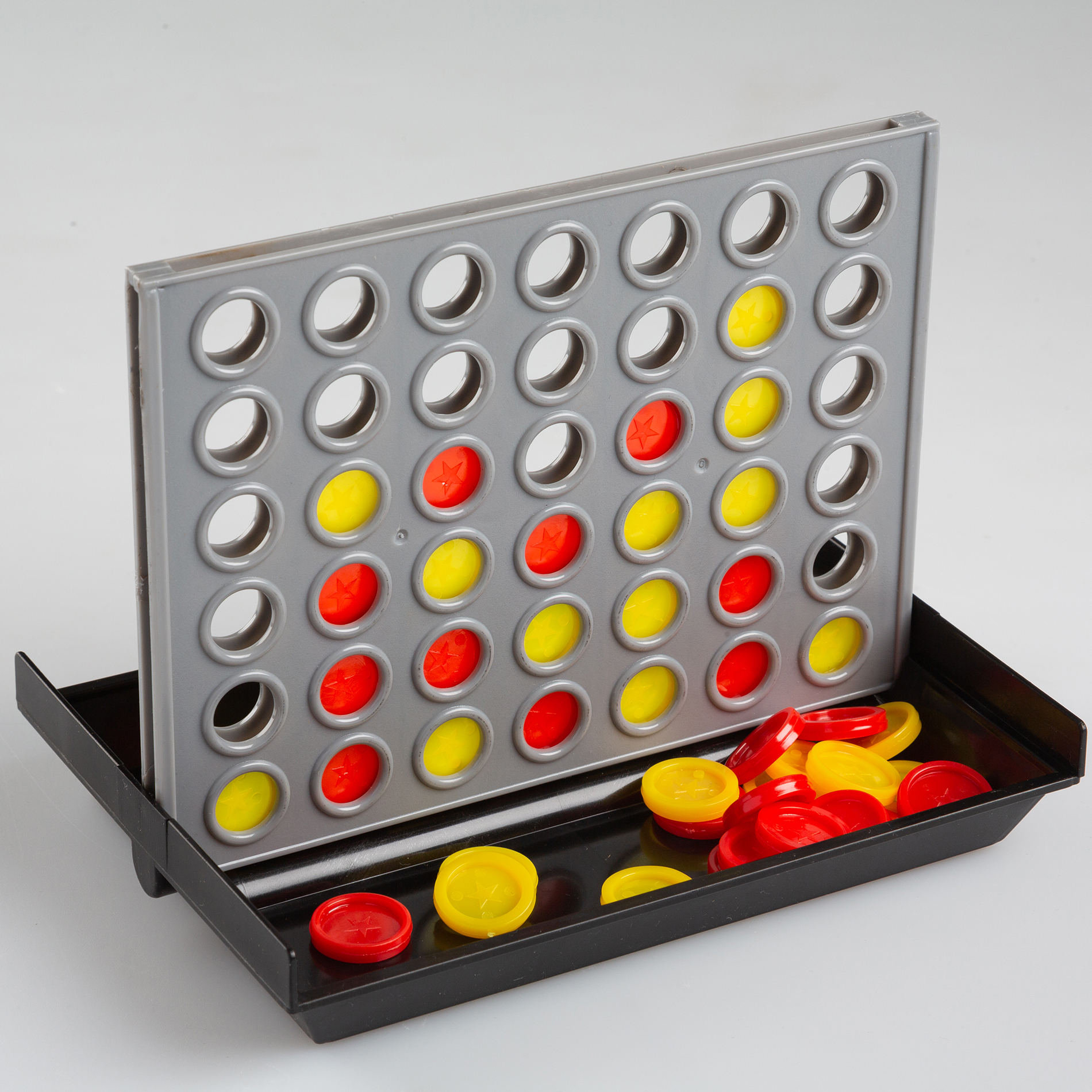
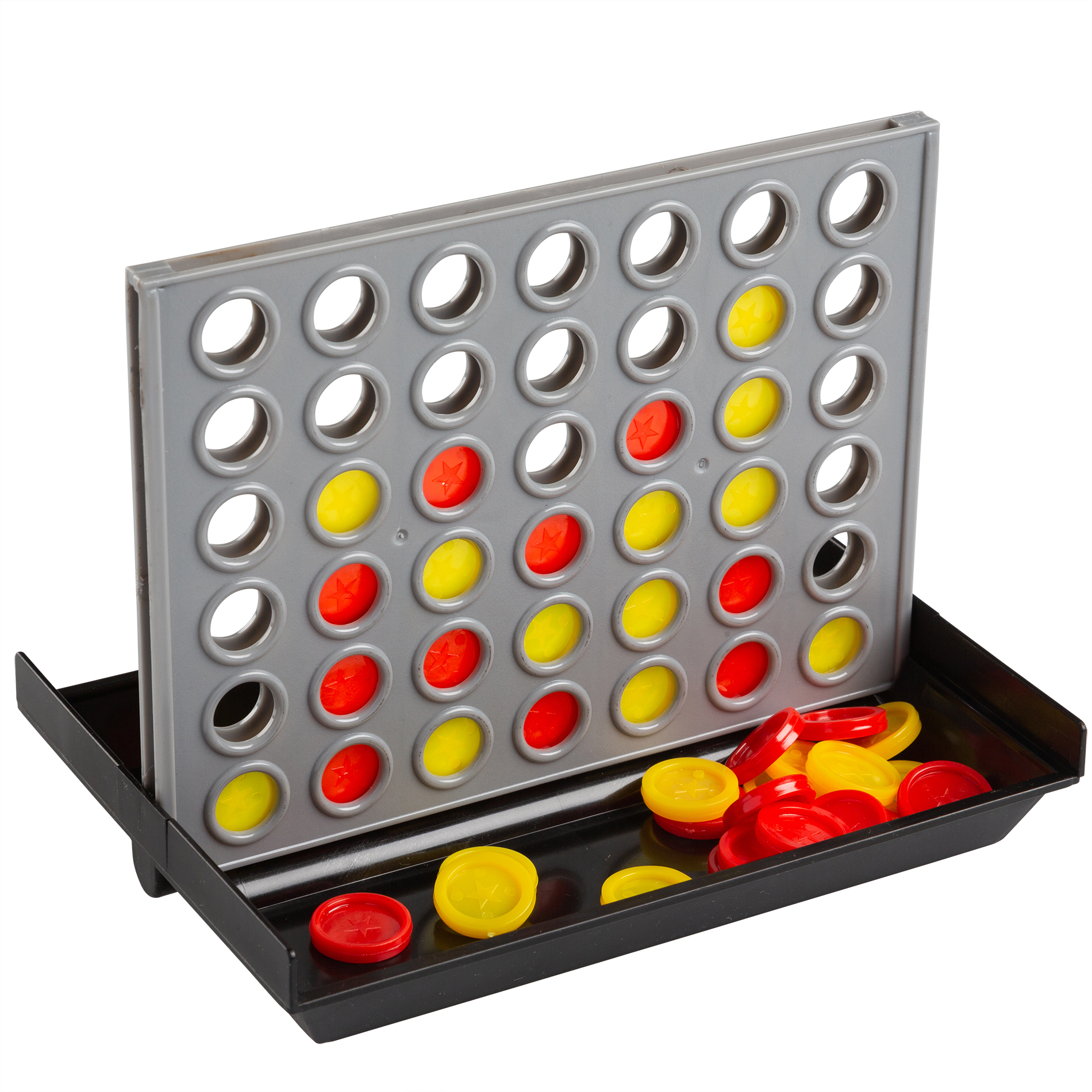 Before
After
Before
After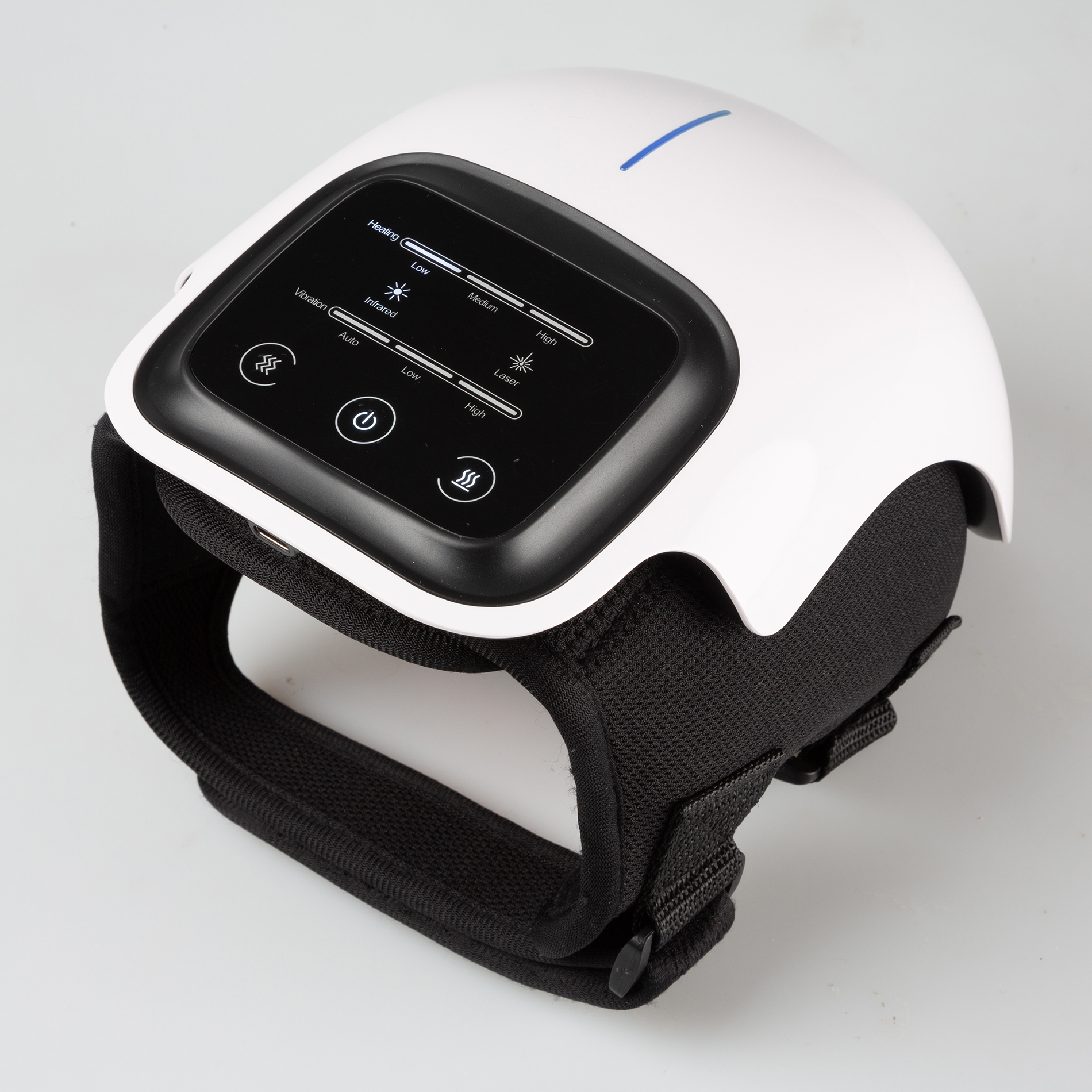
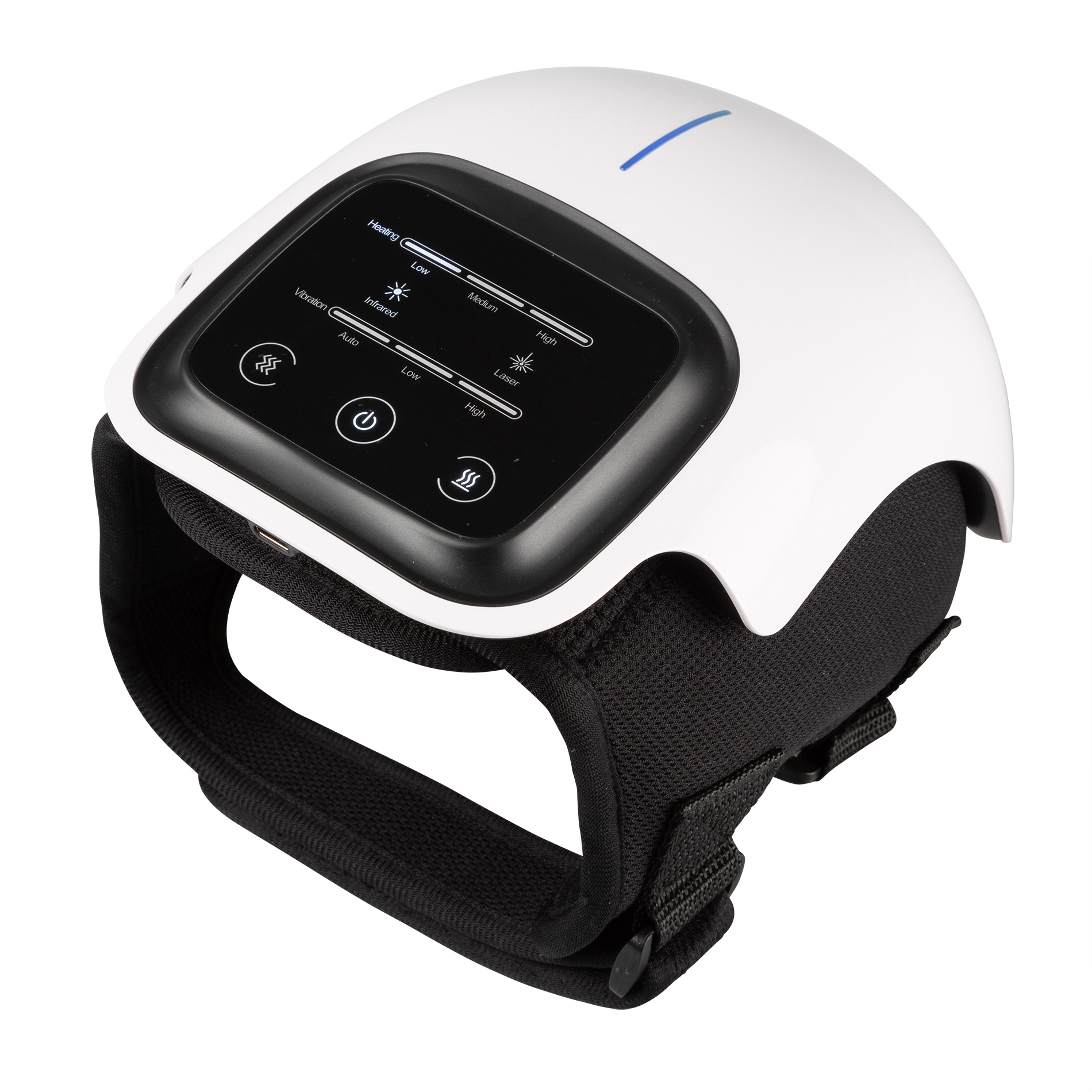 Before
After
Before
After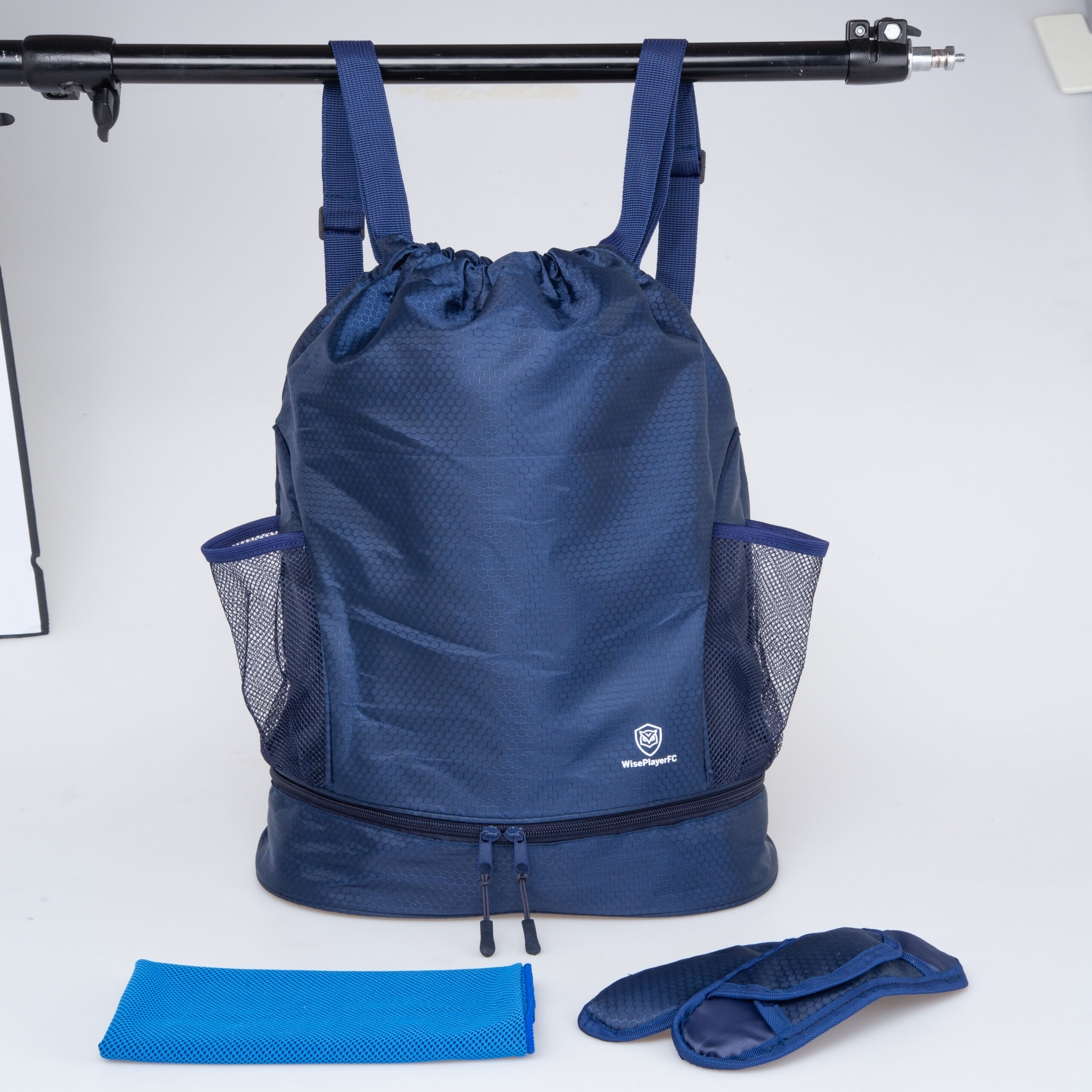
 Before
After
Before
After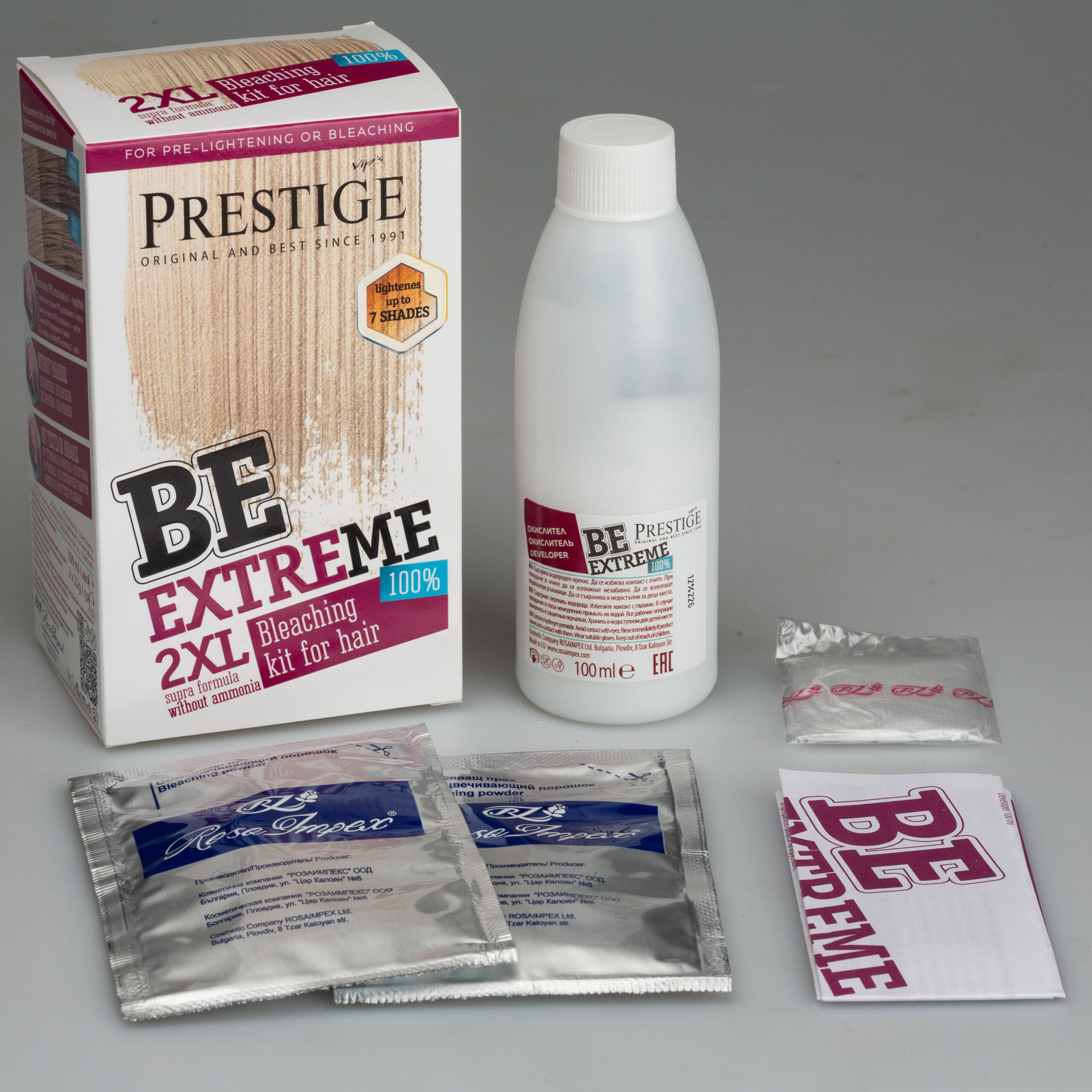
 Before
After
Before
After
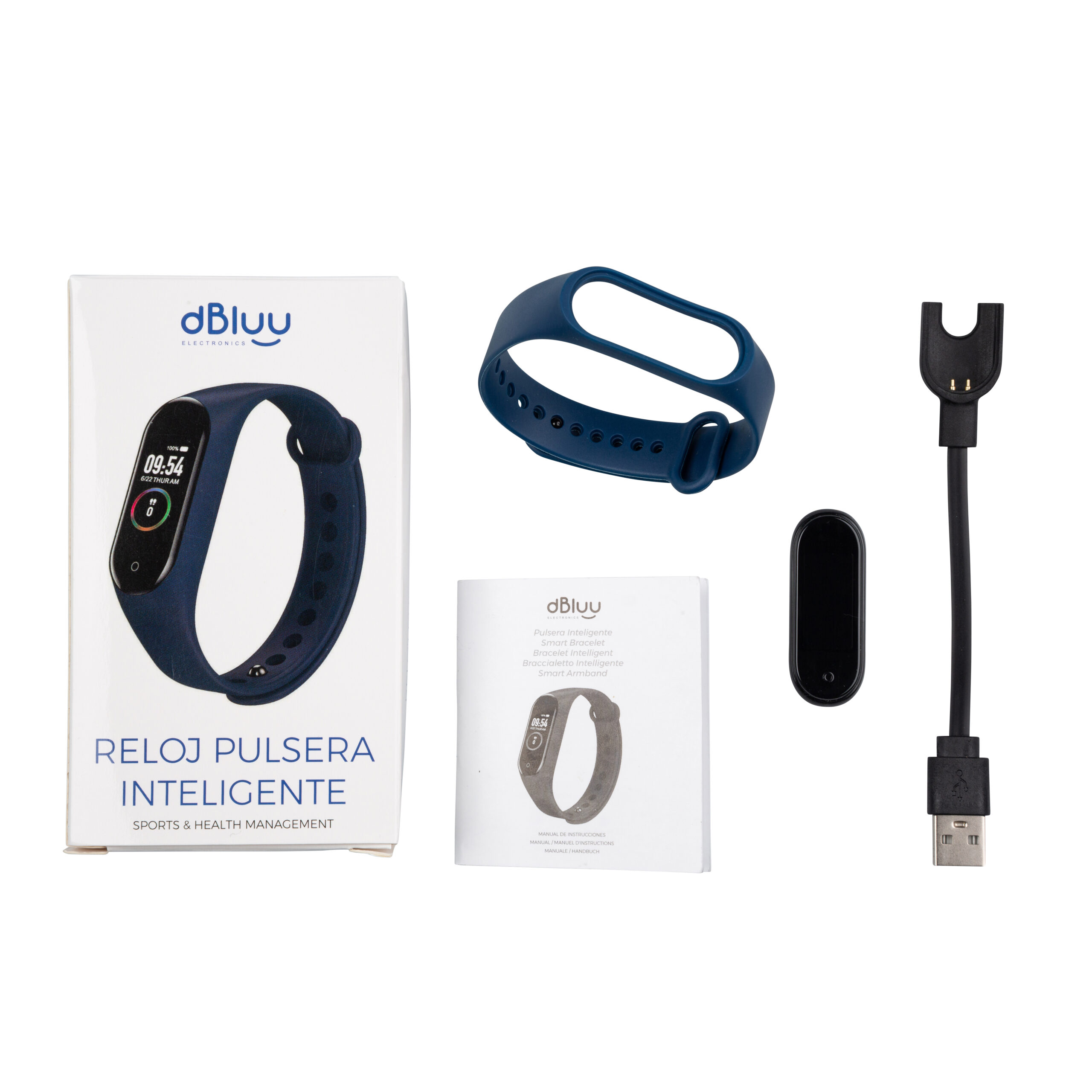 Before
After
Before
AfterSend a few samples and check the quality before you place an order. We will confirm price and delivery time first.
Ordering is simple. Send your images, confirm the price, and receive your edited files.
Upload your files or share a drive link, and tell us the service you need.
We reply with your price and delivery time before any work starts.
Our editors work in Photoshop and follow your instructions and references.
Get your edited images in your preferred format and tell us if anything needs adjusting.
A clipping path service removes the background from a photo by drawing a precise vector path around the subject in Photoshop. It is the standard method for clean product cutouts because the edges stay sharp and the result can be placed on any background.
Use a clipping path for objects with clear, hard edges, such as bottles, shoes, furniture, and electronics. Use image masking for soft or complex edges such as hair, fur, and semi-transparent items.
You can choose a pure white background, a transparent background, or a solid color. If you need a specific shade, share the color code with your instructions.
We can deliver JPG, PNG, PSD, or TIFF files. Tell us your preferred format and whether you want the clipping path saved in the PSD when you place your order.
Yes. You can send sample images through our free trial page, and we will edit them so you can check the quality before placing an order.
Combine services for a complete product image workflow.
Message us with your images and instructions. We will confirm the price and delivery time before we start.
