What Is Photo Retouching?
Photo retouching is the process of enhancing, correcting, or transforming a photograph using professional editing tools and techniques. It involves adjusting colors, removing blemishes, fixing lighting, smoothing skin, cleaning up backgrounds, and much more — turning a good photo into a perfect one.
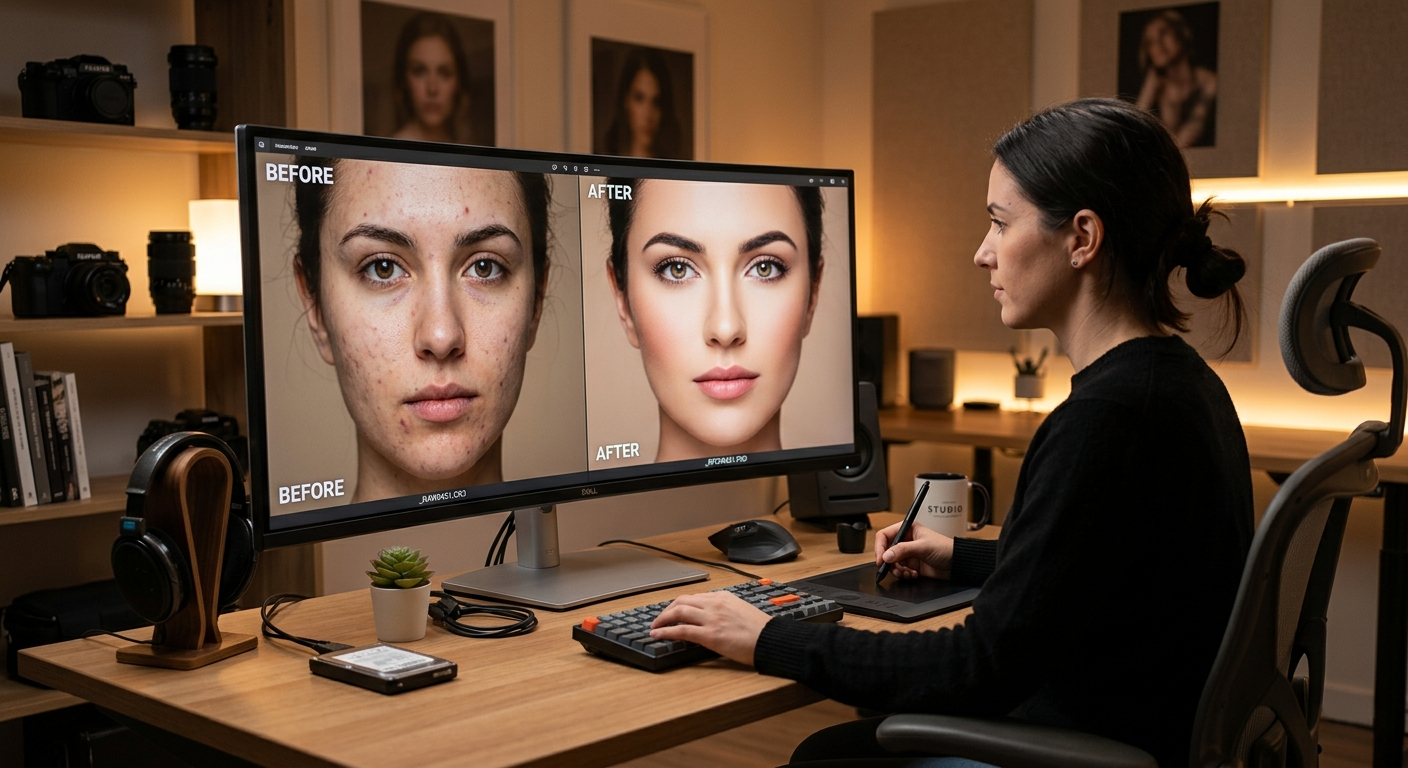
Whether you are a photographer, e-commerce brand, fashion label, or individual client, our photo retouching service ensures your images look their absolute best before publication.
What Does Photo Retouching Include?
Professional photo retouching covers a wide range of editing tasks. Here is what is typically included:
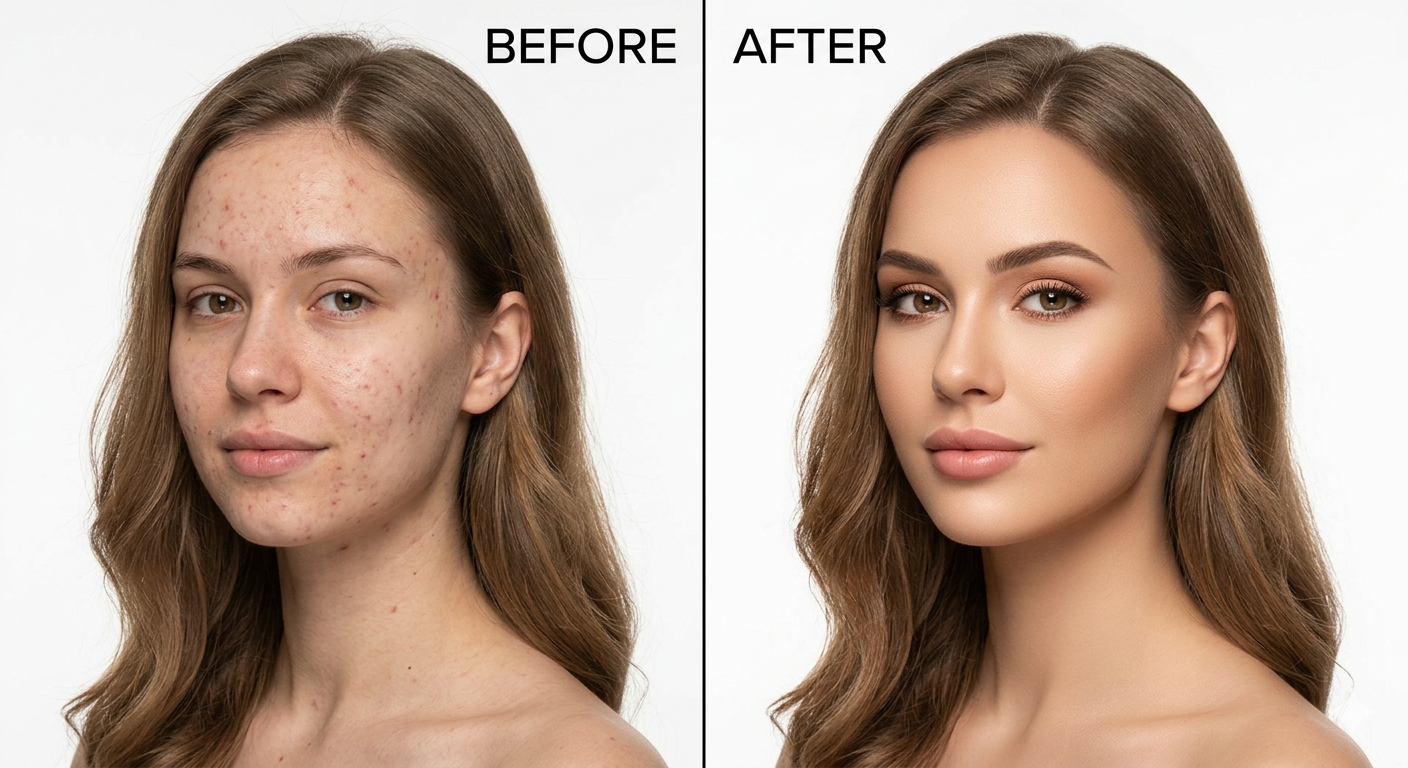
- Skin Retouching – Removing blemishes, acne, wrinkles, and uneven skin tones
- Color Correction – Fixing white balance, exposure, contrast, and saturation
- Background Cleanup – Removing distractions, dust, or unwanted objects
- Body Reshaping – Subtle adjustments to body proportions when required
- Eye & Teeth Enhancement – Brightening eyes and whitening teeth naturally
- Hair Retouching – Fixing flyaways and enhancing hair texture and shine
- Dodge & Burn – Advanced technique for adding depth, dimension, and sculpted light
- Object Removal – Removing unwanted elements from the photo frame
- High-End Beauty Retouching – Magazine-quality retouching for fashion and cosmetic brands
Types of Photo Retouching Services
1. Portrait Photo Retouching
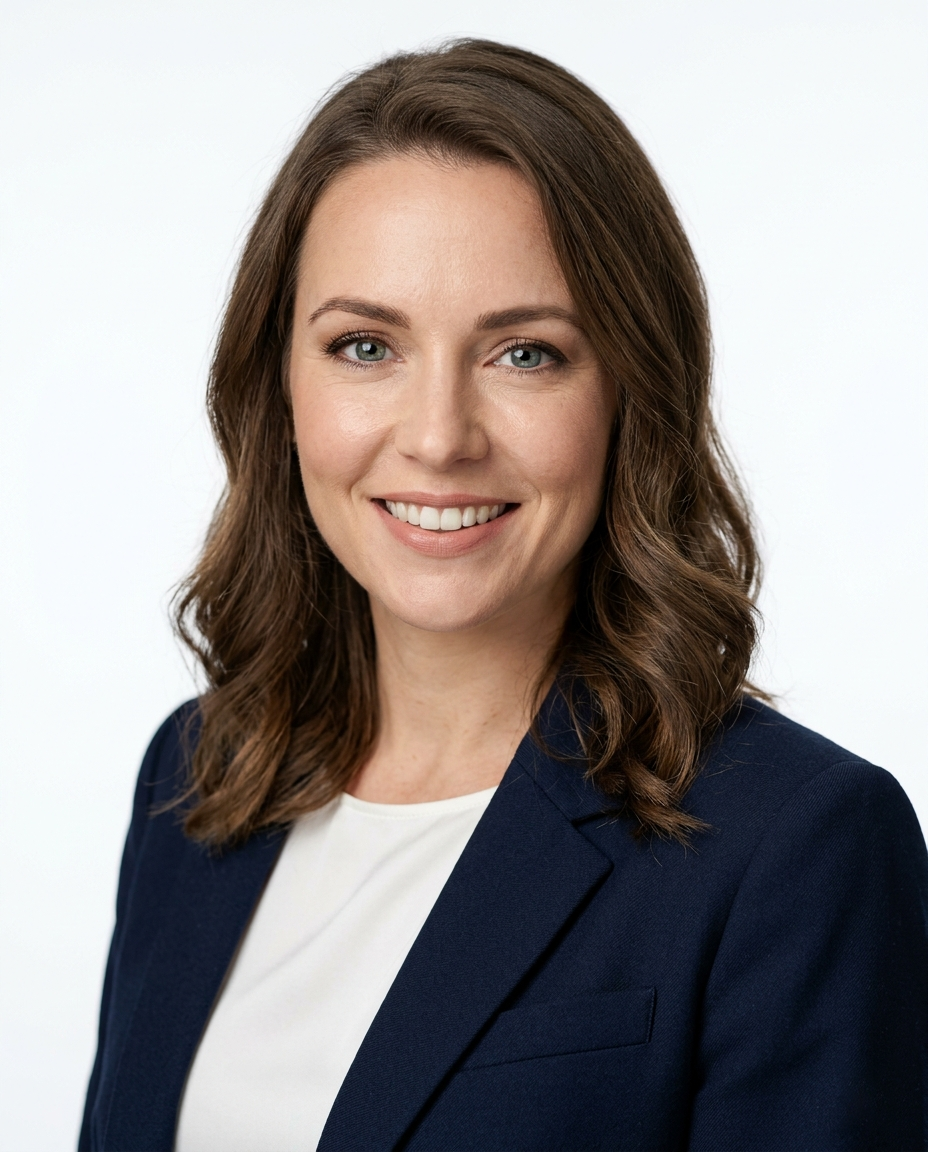
Portrait retouching focuses on enhancing facial features while maintaining natural appearance. It is widely used by professional photographers, modeling agencies, and individuals for headshots, LinkedIn profiles, and social media. Our portrait photo retouching service delivers natural, high-quality results every time.
2. Product Photo Retouching
E-commerce businesses rely on product photo retouching to make items look clean, sharp, and attractive. This includes background removal, shadow creation, color adjustment, and label refinement.
3. Fashion & Beauty Retouching
Fashion and beauty retouching is used by brands, magazines, and advertisers. It involves high-end skin work, clothing adjustments, color grading, and creative enhancements that align with brand identity.
4. Real Estate Photo Retouching
Real estate agencies use photo retouching to make property images look more appealing — improving lighting, sky replacement, and interior color correction.
5. Wedding Photo Retouching
Wedding photographers deliver retouched photos that are emotionally powerful, color consistent, and detail-perfect, preserving memories in their finest form.
Why Is Photo Retouching Important?
High-quality images drive results in nearly every industry. Here is why photo retouching matters:
- First impressions matter – Polished images build trust instantly with customers and viewers
- Higher conversions – E-commerce stores with retouched product photos see significantly better sales
- Brand consistency – Retouched images ensure a uniform, professional look across all platforms
- Competitive edge – Superior visuals help you stand out from competitors
- Social media performance – High-quality images attract more engagement, shares, and followers
How Does the Photo Retouching Process Work?
A professional photo retouching workflow typically follows these steps:
- Image Assessment – The editor reviews the original photo to identify areas that need improvement
- Basic Corrections – Exposure, contrast, white balance, and cropping are adjusted first
- Detailed Retouching – Skin, hair, eyes, and other specific areas are worked on carefully
- Background Editing – The background is cleaned, replaced, or enhanced as needed
- Color Grading – A consistent color tone is applied for visual harmony
- Final Review – The image is reviewed at full resolution before delivery
- Export & Delivery – The final retouched image is delivered in the requested format (JPEG, PNG, TIFF, etc.)
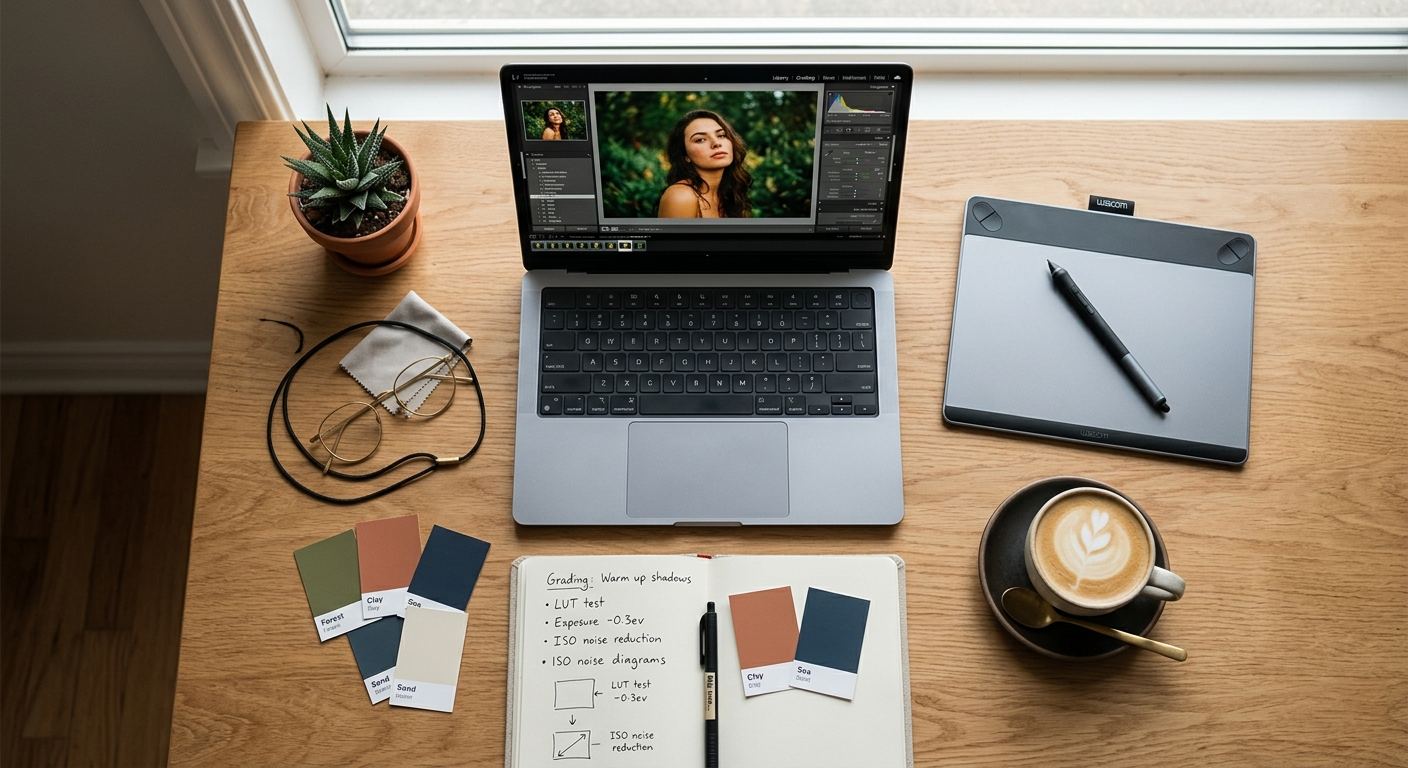
Photo Retouching vs. Photo Editing — What Is the Difference?
| Feature | Photo Editing | Photo Retouching |
|---|---|---|
| Scope | Broad adjustments (crop, filter, exposure) | Fine-detail enhancement and correction |
| Tools Used | Basic to intermediate | Advanced professional tools |
| Time Required | Minutes | Hours (for high-end work) |
| Best For | General images | Portraits, products, fashion, commercial use |
| Output Quality | Good | Professional / Magazine-grade |
While photo editing covers basic changes, photo retouching goes deeper — it is a precise, skilled process aimed at perfection.
Frequently Asked Questions About Photo Retouching
What software is used for professional photo retouching?
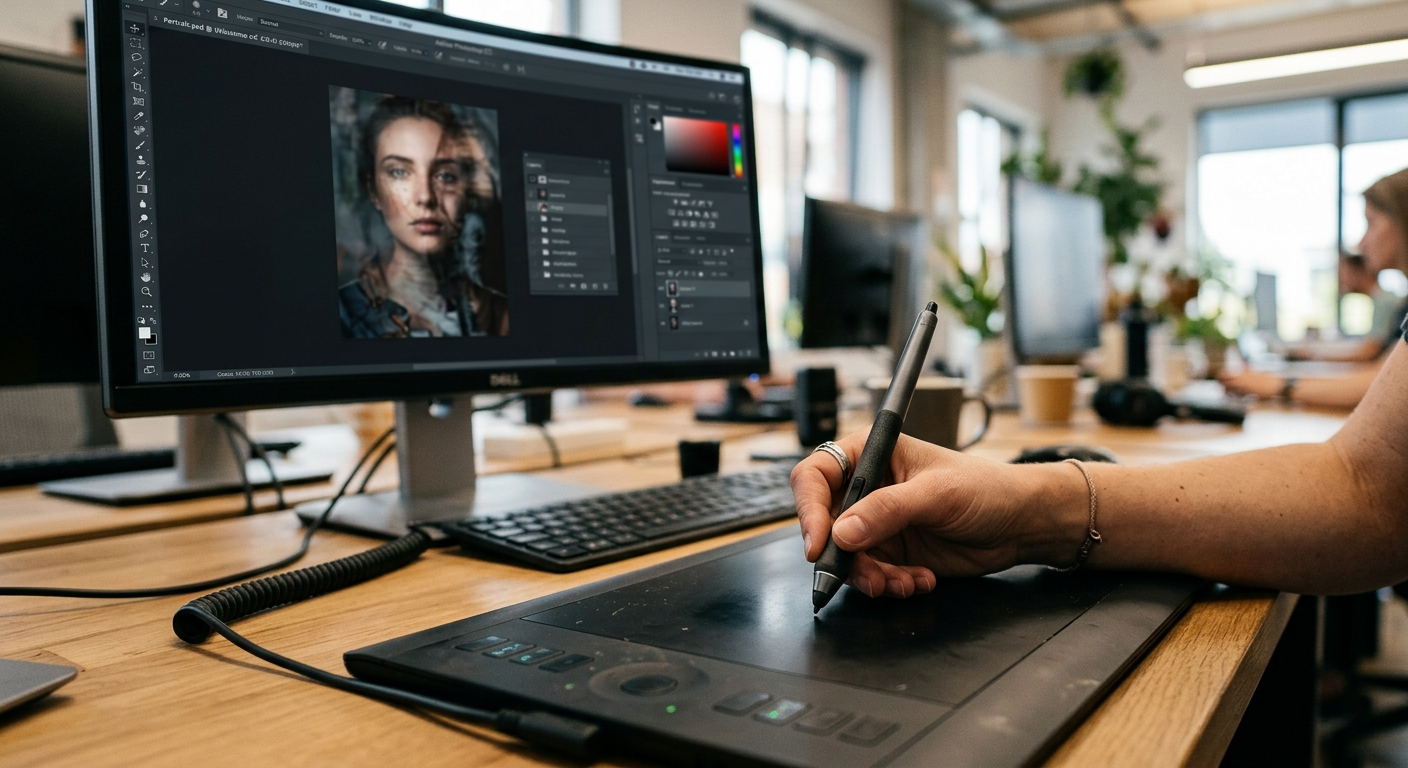
Professional photo retouching is done using Adobe Photoshop, Lightroom, Capture One, and Luminar AI. Adobe Photoshop remains the industry standard for high-end retouching work.
How long does photo retouching take?
The turnaround time depends on the complexity of the work. Basic retouching can take 15–30 minutes per image, while high-end beauty retouching can take 1–4 hours per image. Most professional services offer turnaround within 24 to 72 hours.
Is photo retouching the same as Photoshop editing?
Photo retouching is a type of Photoshop editing, but not all Photoshop editing is retouching. Retouching specifically refers to enhancing or correcting fine details in a photo, primarily in portraits and product images.
How much does photo retouching cost?
Photo retouching pricing varies based on complexity. Basic retouching starts from $2–$5 per image, while high-end beauty or fashion retouching can range from $20–$100+ per image depending on the service provider and scope of work.
Can photo retouching look natural?
Yes. Skilled retouchers always aim for natural-looking results — enhancing the subject without making it look over-edited or artificial. The goal is to make the image look like the best version of reality.
What file formats are supported for photo retouching?
Most professional photo retouching services accept JPEG, PNG, TIFF, RAW, PSD, and deliver final files in any format the client requires.
How to Choose the Best Photo Retouching Service
When selecting a professional photo retouching service, consider the following:
- Portfolio quality – Review their past work to assess skill and style
- Turnaround time – Ensure they can meet your deadlines
- Revision policy – Choose a service that offers free revisions
- Communication – Good services keep you updated throughout the process
- Pricing transparency – Avoid services with hidden charges
- Confidentiality – Your images should be handled with complete privacy and security
Why Choose Our Photo Retouching Service?
We deliver professional-grade photo retouching tailored to your exact needs. Here is what sets us apart:
- ✅ Experienced and skilled retouching team
- ✅ High-end results at competitive pricing
- ✅ Fast turnaround — as quick as 24 hours
- ✅ Unlimited revisions until you are 100% satisfied
- ✅ Strict image confidentiality and data security
- ✅ Support for all file formats and industries
From portrait retouching and product image editing to fashion, wedding, and real estate photography — we handle it all with precision and care.
Final Thoughts
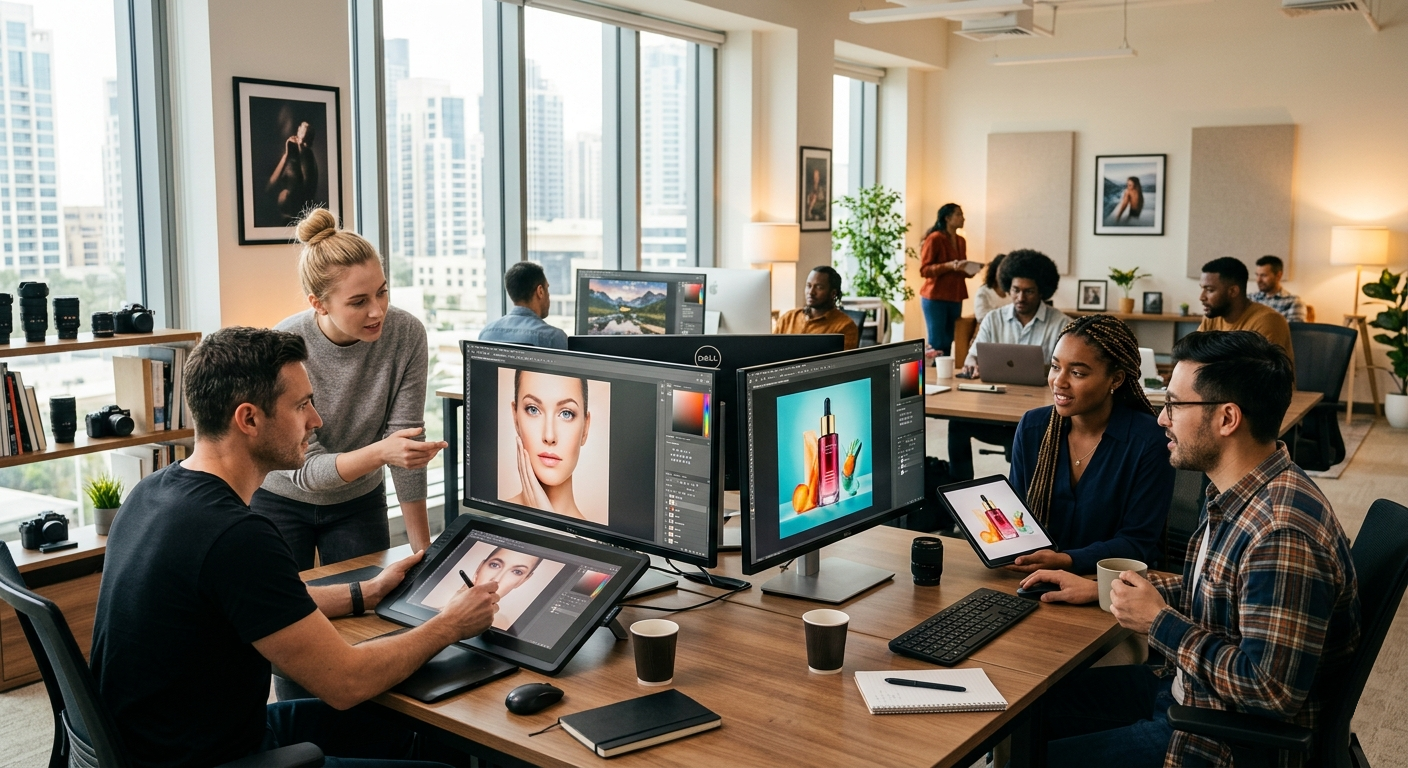
Photo retouching is not just about making images look pretty — it is about communicating quality, professionalism, and trust through visuals. In a world driven by images, investing in professional photo retouching is investing in your brand’s success.
Whether you need a single portrait retouched or thousands of e-commerce product images processed, the right photo retouching service makes all the difference.
Ready to transform your photos? Contact us today and get a free sample retouch.